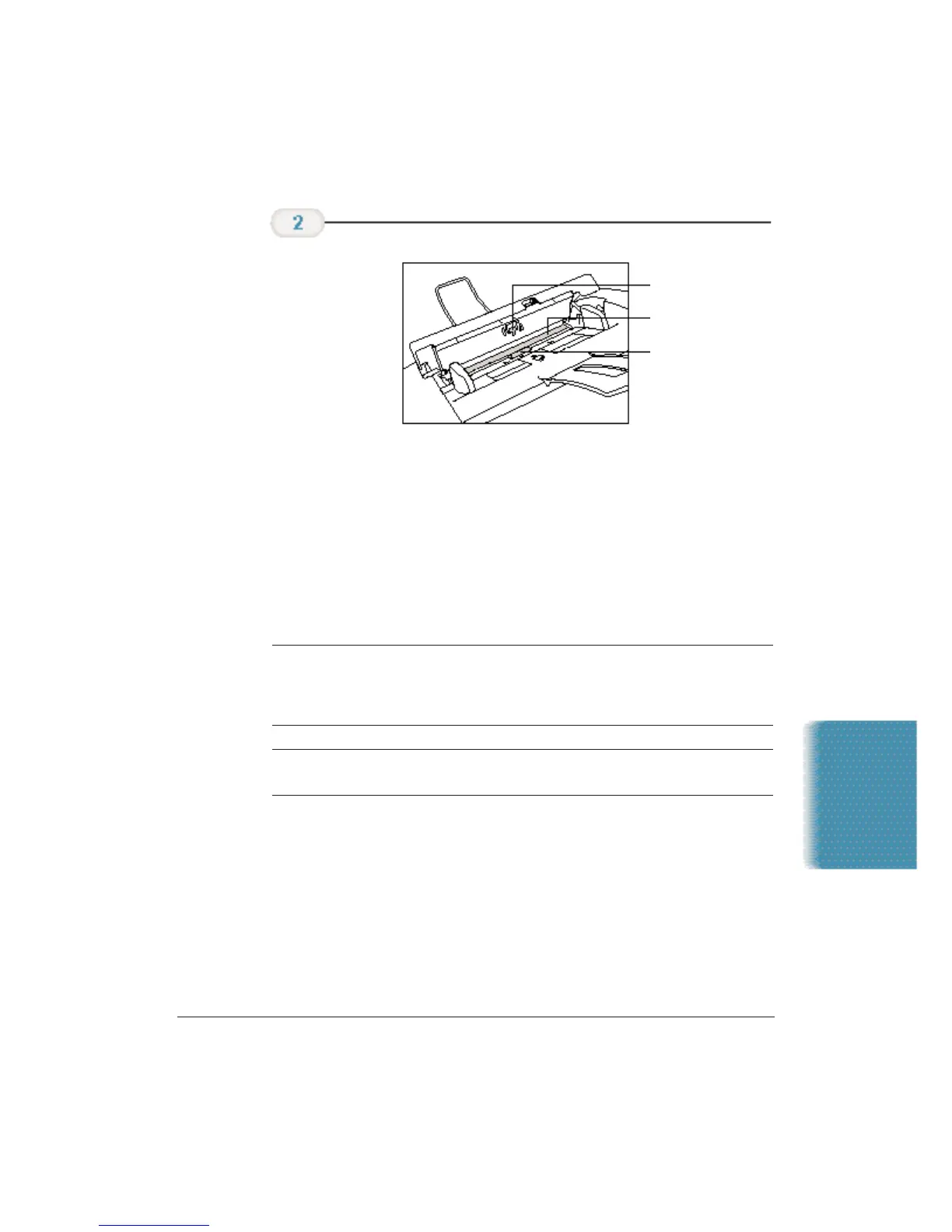
❍ Separation guide
Wipe with a dry, soft cloth.
❍ White sheet and scanning glass
Use a clean, soft, lint-free cloth moistened with water to
clean the white sheet and scanning glass, then wipe them
with a soft, dry, lint-free cloth.
❍ Separation roller
Wipe with a soft, dry clean cloth to clean the rollers.
N
If the scanning components are dirty, the documents you send or print
will also be dirty.
Be sure to use a soft cloth to avoid scratching the components.
C
Do not use tissue paper. Dust from the tissue paper causes static
electricity.
Clean the
components.
Maintaining the
MultiPASS C3500
Chapter 9 Maintaining the MultiPASS C3500 9-5
SEPARATION GUIDE
SCANNING GLASS
SEPARATION ROLLER












 To Next Page