Chapter 1 Introduction 1-15
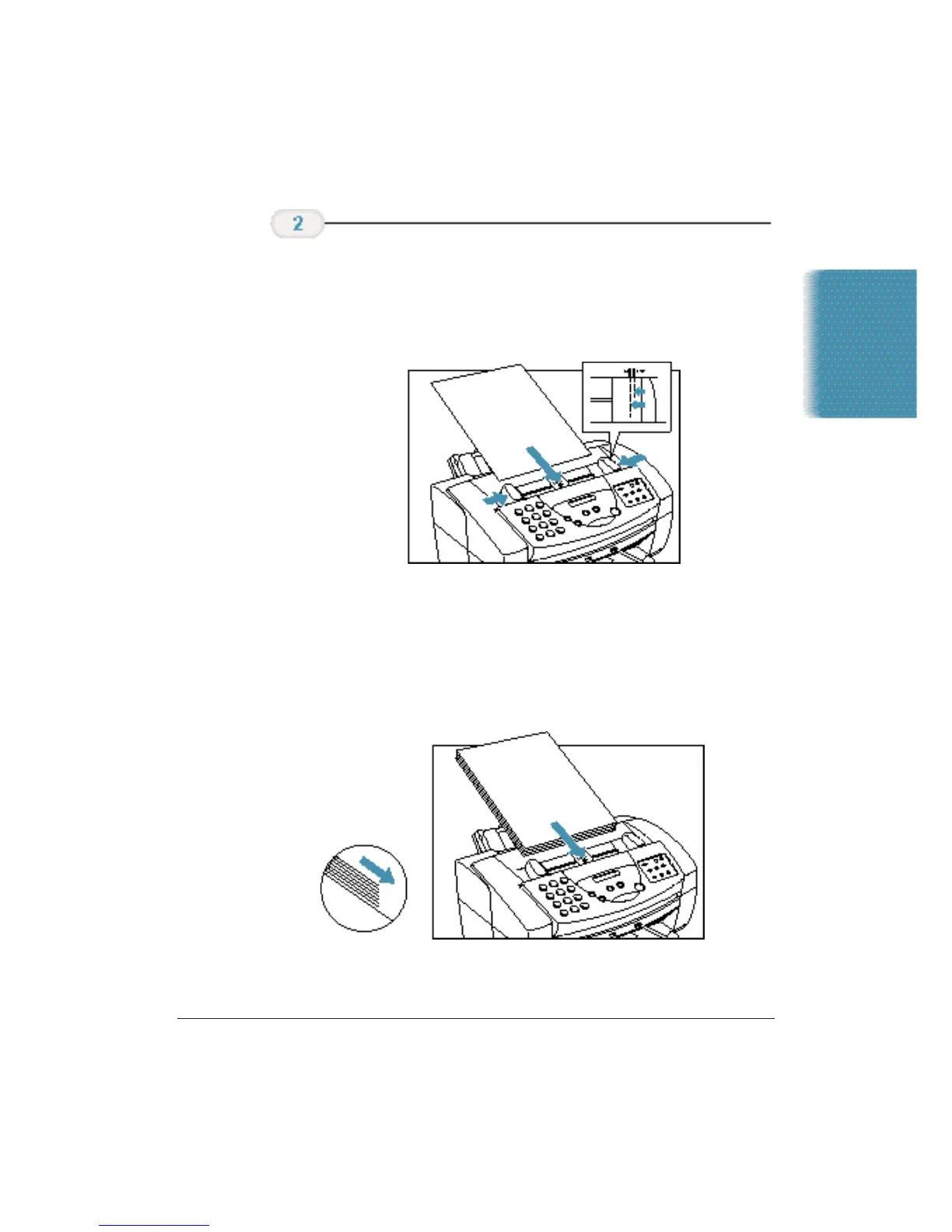
❍ Insert the document face down (letterhead first) into the
ADF until you hear a beep.
❍ Adjust the document guides to the width of the
document.
The MultiPASS automatically feeds the pages one by one from the
bottom.
If you have problems feeding multiple-page documents, insert the pages
one at a time into the ADF. This stacks the pages on a slant so they feed
correctly into the ADF. (Do not attempt to stack more than 30 sheets in
the ADF.)
Feed the
document.
Introduction












 To Next Page