4-14 Sending Faxes With the MultiPASS C3500 Chapter 4
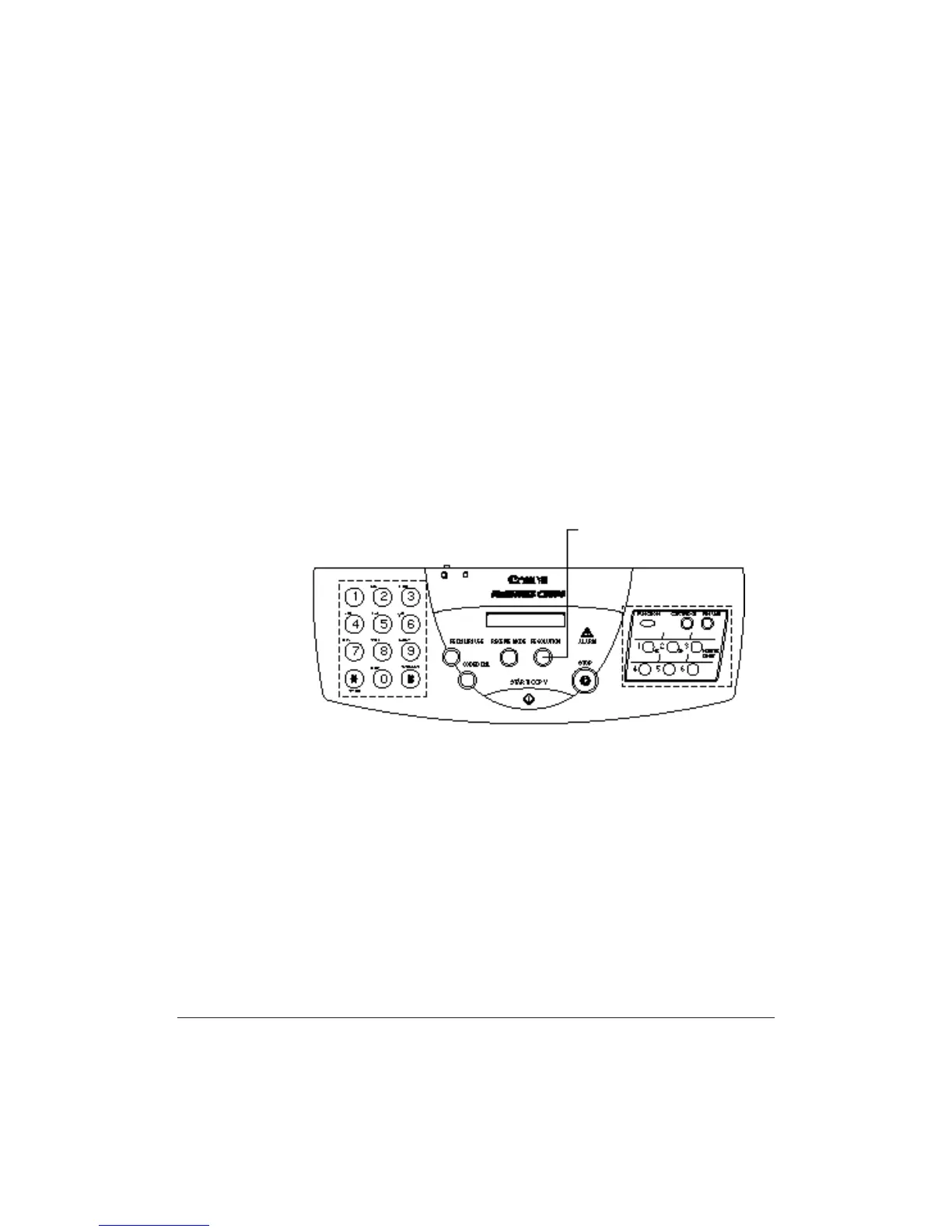
The MultiPASS has three resolution settings.You use the RESOLUTION
button to set the resolution for faxing documents.
❍ FAX STANDARD
Fax standard resolution (203 × 98 dpi) is adequate for most text
documents.
❍ FAX FINE
Fax fine resolution (203 × 196 dpi) is suited for documents with fine
print (smaller than the print in this sentence).
❍ FAX PHOTO
Fax photo resolution (203 × 196 dpi,with halftones) is for
documents that contain photographs. With this setting, areas of the
document that contain photos are automatically scanned with 64
levels of gray, rather than just two (black and white) which it uses
otherwise. This gives a much better reproduction of the photos,
though transmission time is longer.
RESOLUTION BUTTON












 To Next Page