4-24 Sending Faxes With the MultiPASS C3500 Chapter 4
❍ See Specifying Send Fax Information starting on page 4-16
for details.
The MultiPASS Desktop Manager sends the PC fax to the Send Fax
Manager, where it is automatically given a unique system-assigned
name, and its progress is tracked until it is actually transmitted. If you
specified multiple recipients,an individual fax job for each recipient,
with its own fax job number, is sent to the Send Fax Manager. Once
transmitted, the fax is placed in your Sent Fax folder (unless you
specified that it be deleted after transmission).A record of the sent
fax is also recorded to the Fax Log.
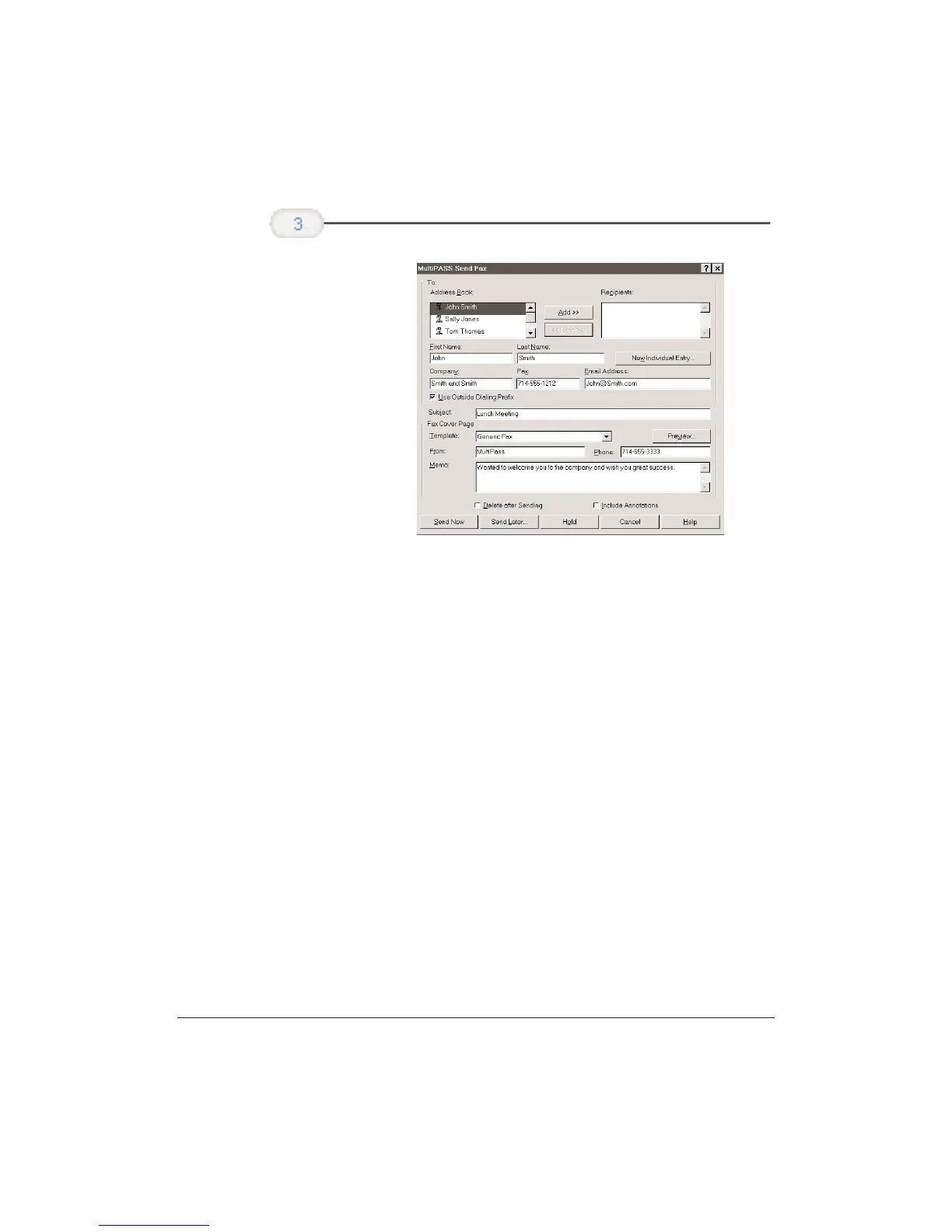
In the Send Fax
dialog box,
enter your fax
information and
send fax options.











 To Next Page