7-14 Working With Documents in the Desktop Manager Chapter 7
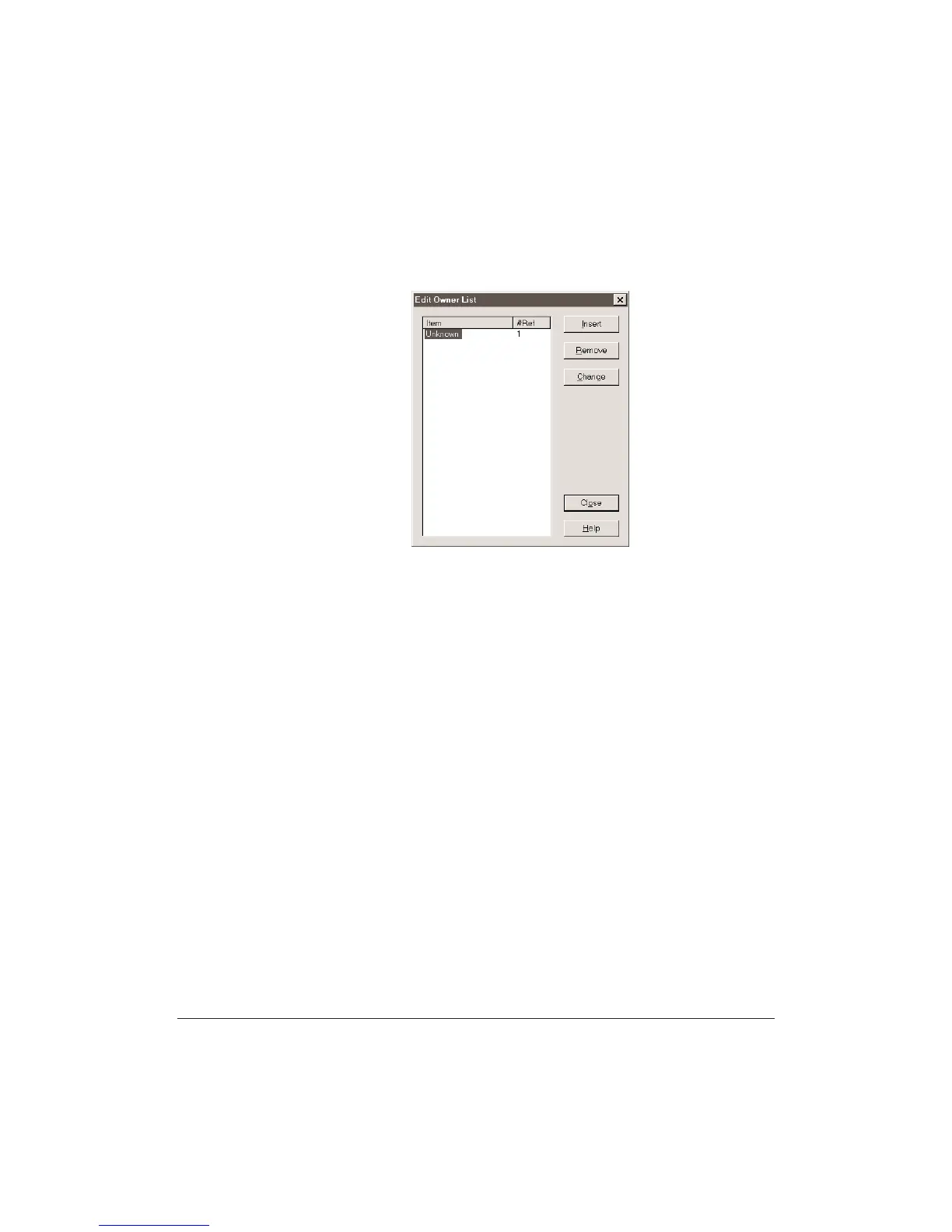
Adding an owner to the index
1. In the Desktop Manager, on the Tools menu, point to Index By, and
then click Owner.
2. In the Edit Creator List diaog box, click Insert.
3. Type the owner you want to add and then press
Enter.
•
Repeat steps 2 and 3 for each owner you want to add.
You can Remove or Change an owner.
To close the Edit Owner List dialog box and save your index entries,
click Close.












 To Next Page