10-2 Troubleshooting Chapter 10
If you need to contact Canon directly, make sure you have the following
information:
❍ Product name—MultiPASS C3500
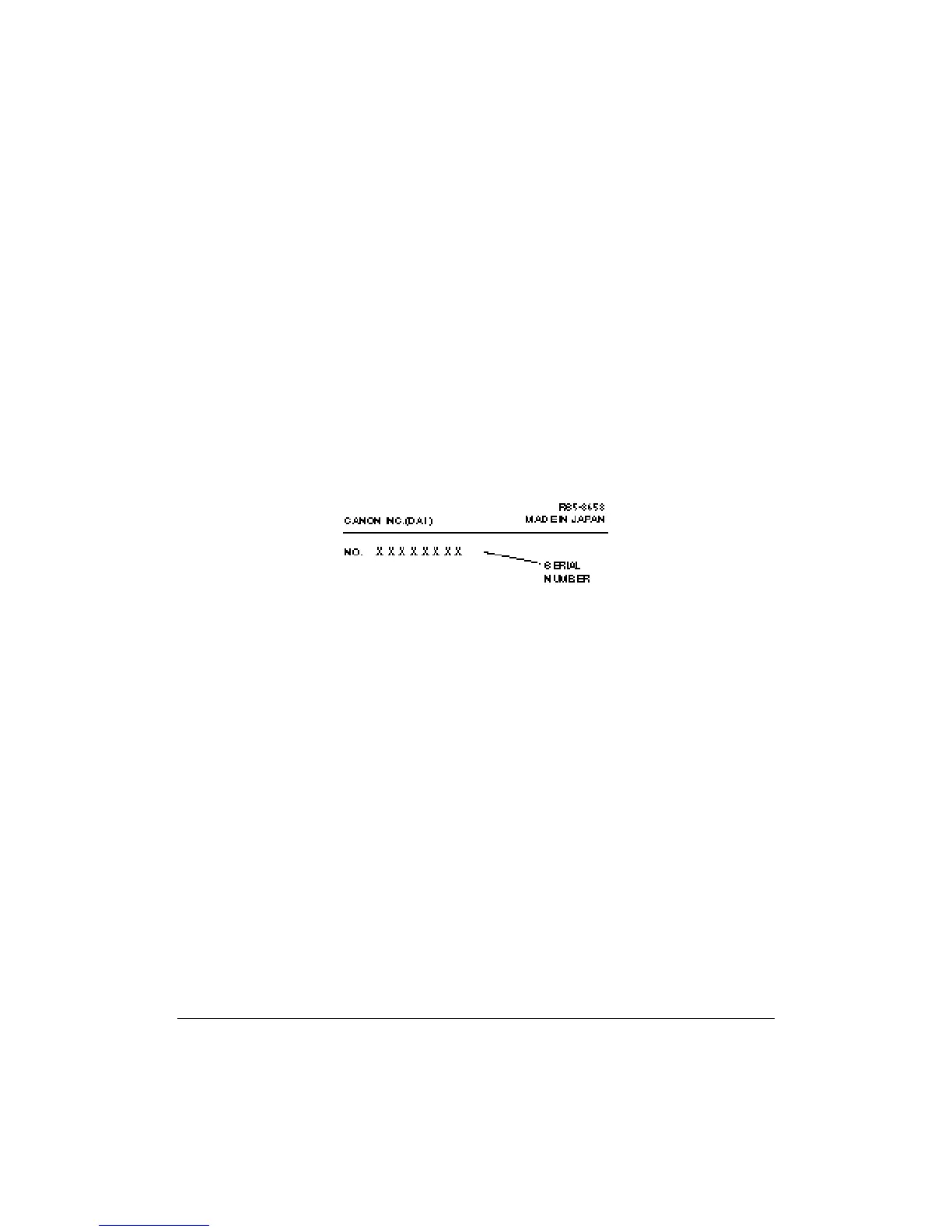
❍ Serial number
❍ MultiPASS Desktop Manager version number
❍ Place of purchase
❍ Nature of problem
❍ Steps you have taken to solve the problem and the results
The serial number is located on the label on the back of the unit:
The version number of MultiPASS Desktop Manager is included in the
About information. In the Desktop Manager, click Help and then click
About.












 To Next Page