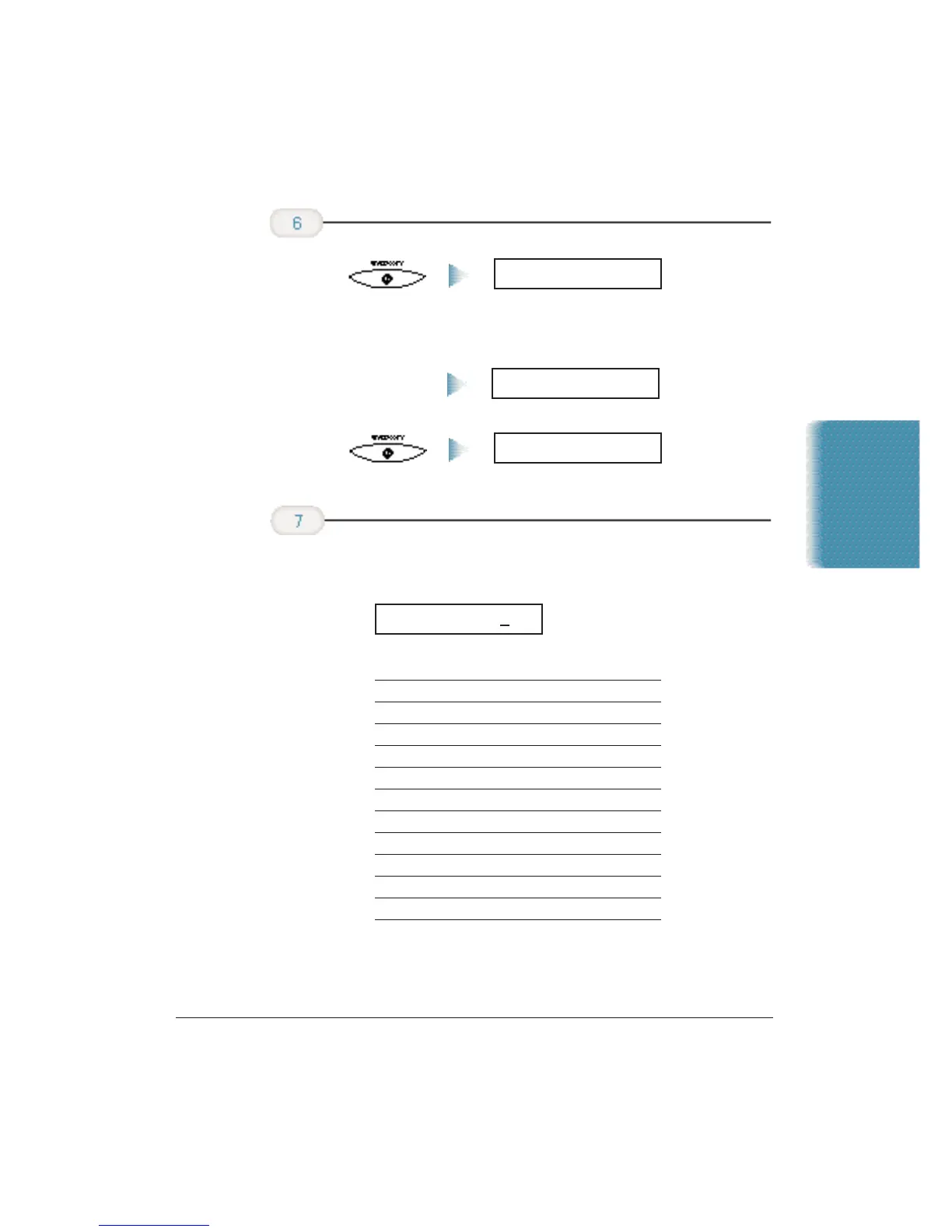
❍ After a few seconds, the LCD display changes to:
❍ Press the button with the letter you want to enter; for
example, press 2 three times to enter a capital C.
Button Characters
11
2 ABCabc2
3 DEFdef3
4 GHIghi4
5 JKLjk15
6 MNOmno6
7 PQRSpqrs7
8 TUVtuv8
9 WXYZwxyz9
00
# -.*#!”,;:^’_=/|’?$@%&+()[]{}<>
❍ Correct errors by moving the cursor to the error using
< or > (on the one-touch speed dialing keypad) and
entering the correct character.
CANON FAX BACK
Enter your name
(up to 24
characters) using
the numeric
buttons.
Then press
START/COPY
again.
UNIT NAME
DATA ENTRY OK
Press START/COPY
when the fax
number is entered.
Stand-alone Fax
Appendix B Using the MultiPASS C3500 as a Stand-alone Fax B-5












 To Next Page