Chapter 1 Introduction 1-19
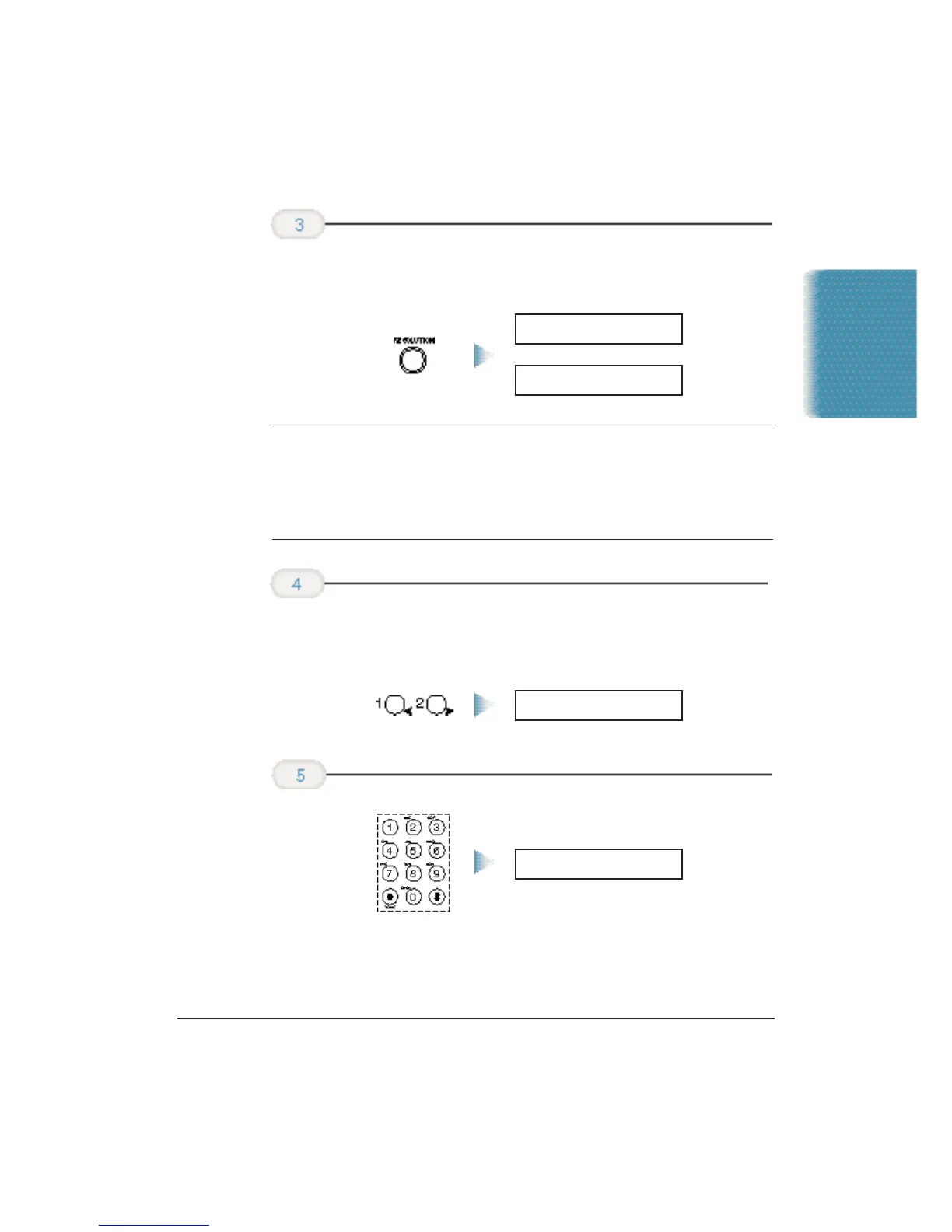
❍ To change the copying resolution, press the
RESOLUTION
button.
N
When copying in black and white:
•
Use
B&W TEXT
resolution for copying most text documents.
•
Use
B&W PHOTO
resolution when copying documents that contain
photographs. This scans areas of the document that contain photos
with 256 levels of gray, and results in a much better reproduction of
the photograph.
❍ To reduce the size of the copies, use the < or > buttons to
select the reduction percentage you want (70%, 80%,
90%, or 100%):
❍ To make multiple copies, use the number buttons to enter
the number of copies (up to 99).
COPY 100% 02
Enter the
number
of copies.
COPY 80% 01
Select
Reduction mode
if necessary.
B&W PHOTO
B&W TEXT
Change the
resolution if
necessary.
Introduction












 To Next Page