2-6 Printing With the MultiPASS C3500 Chapter 2
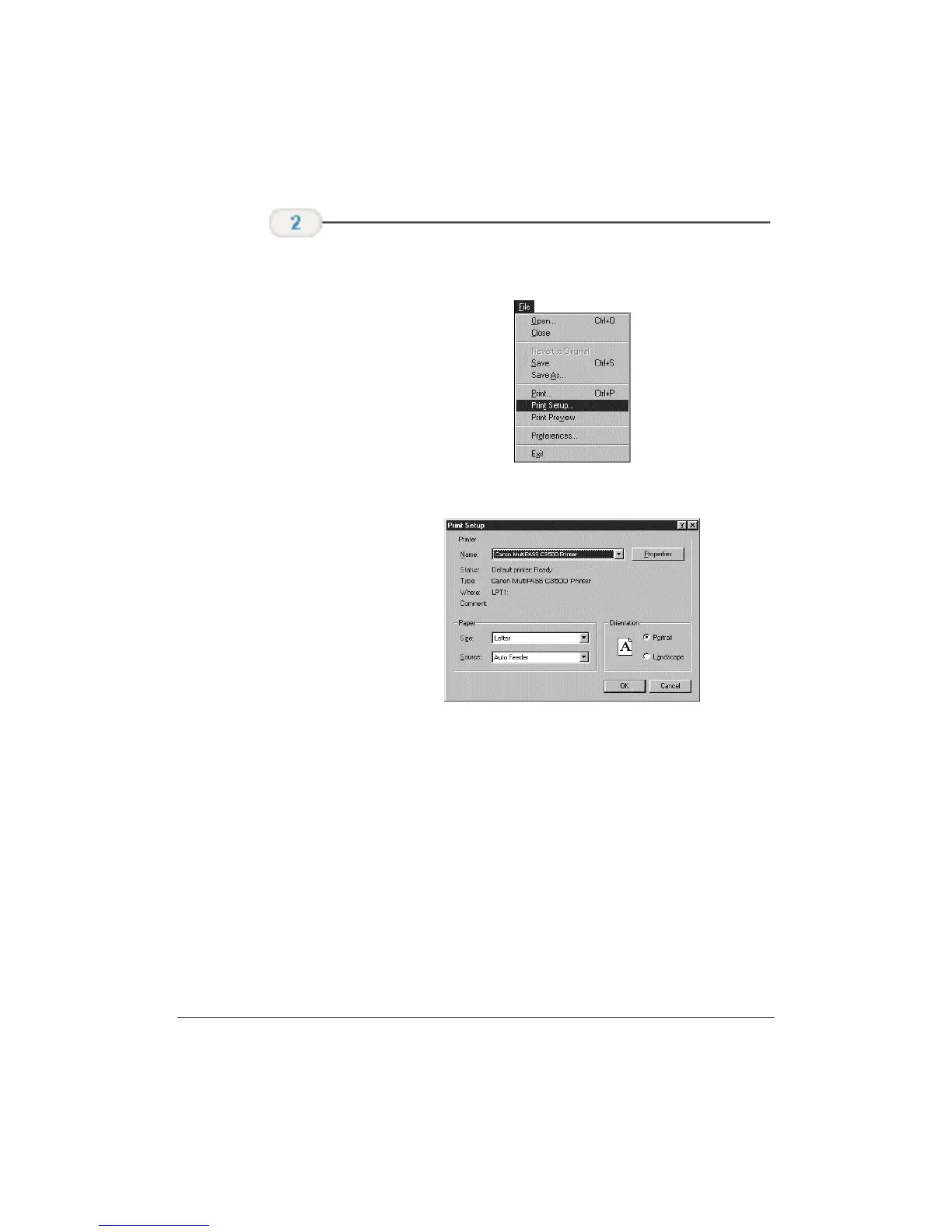
❍ Choose Print or Print Setup from the File menu.
❍ You will see a screen similar to this:
❍ Click on the Properties (or Setup) button if you want to
make any adjustments as appropriate for printing your
document. (See Printer Setup Within Windows on the
following page for details.)
❍ After making any necessary changes to the printing
parameters, select OK to start the print job.
Make sure the
Canon MultiPASS
C3500 Printer is
selected as your
default printer.












 To Next Page