35
Basic Functions
Playback
E
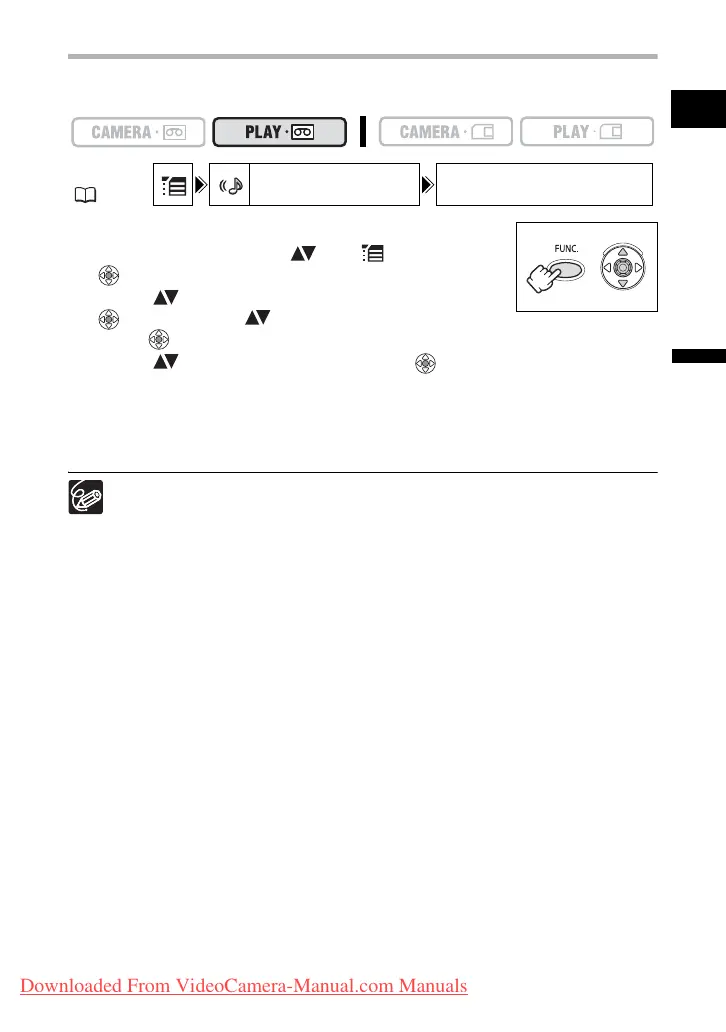
Selecting the Audio Output Channel
You can select the output channels when playing back a tape with audio recorded on two
channels.
1. Press the FUNC. button to open the FUNC. menu.
2. With the joystick select ( ) the icon and press
().
3. Select ( ) the [AUDIO SETUP] menu and press
( ). Then, select ( ) the [OUTPUT CH] option and
press ( ).
4. Select ( ) a setting option and press ( ) to save the changes.
• L/R: Stereo: L+R channels, Bilingual: Main+Sub.
• L/L: Stereo: L channel, Bilingual: Main.
• R/R: Stereo: R channel, Bilingual: Sub.
5. Press the FUNC. button to close the menu.
The setting resets to the [L/R] setting when you turn the camcorder off.
MENU
( 36)
AUDIO SETUP OUTPUT CH L/R
Downloaded From VideoCamera-Manual.com Manuals



 To Next Page