41
Advanced Functions
Recording
E
Recording
Using the Recording Programs
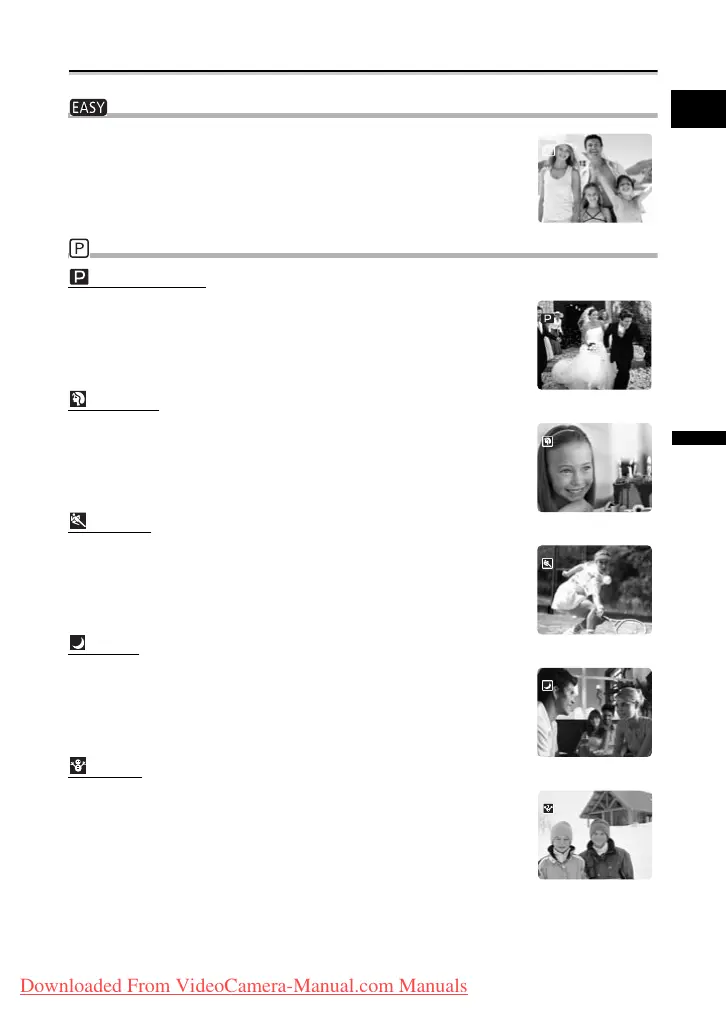
Easy Recording Program
The camcorder adjusts focus, exposure and other settings
automatically, allowing you to just point and shoot.
Recording Programs
Program AE
The camcorder adjusts focus, exposure and other settings
automatically. However, you have the option of adjusting the settings
manually.
Portrait
Use this mode to give accent to your subject by blurring the
background or foreground. The blur effect increases the more you
zoom to telephoto.
Sports
Use this mode to record sports scenes (such as tennis or golf) or
moving objects (such as roller coasters).
Night
Use this mode to record in dimly lit places.
Snow
Use this mode to record in bright ski resorts. It prevents the subject
from being underexposed.
Downloaded From VideoCamera-Manual.com Manuals



 To Next Page