95
E
Using a Memory Card
Erasing Images
You can erase images one at a time or all at once.
Be careful when erasing images. Erased images cannot be recovered.
Protected images cannot be erased.
Movies can only be erased when the first scene is displayed as a still image.
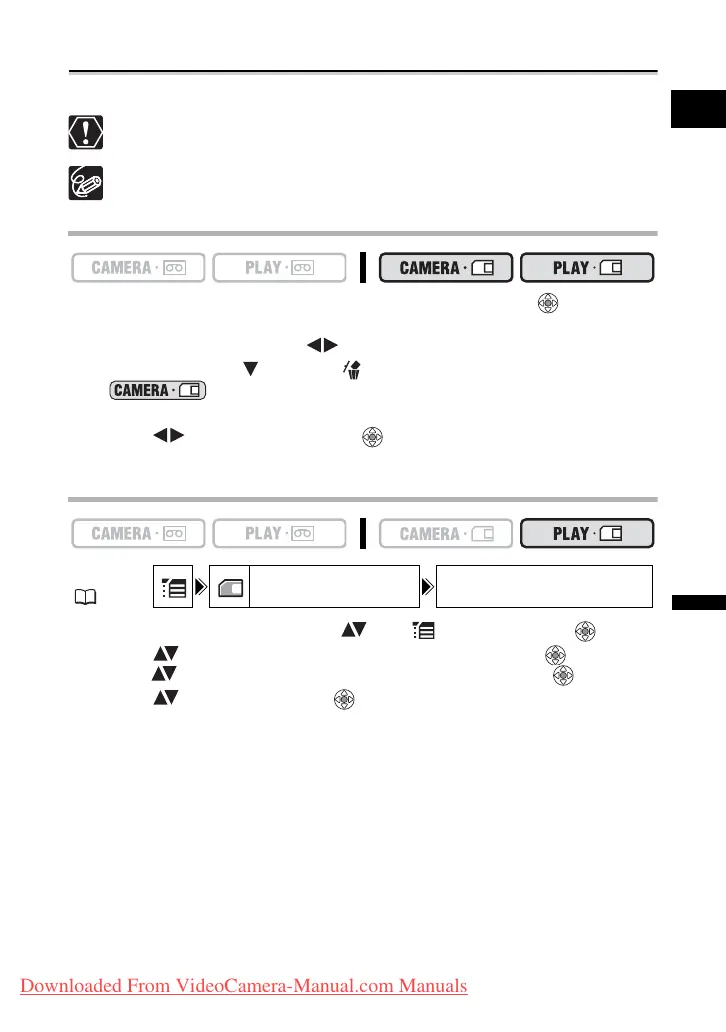
Erasing a Single Image
1. If the joystick guide does not appear on screen, press ( ) to display
it.
2. Use the joystick to select ( ) the image you want to erase.
3. Push the joystick ( ) towards to erase the image.
In mode: The image erase menu appears only when you press the
FUNC. button while reviewing a still image immediately after recording it.
4. Select ( ) [ERASE] and press ( ) to erase the image and close the
menu.
Erasing All Images
1. Open the FUNC. menu, select ( ) the icon and press ( ).
2. Select ( ) the [CARD OPERATIONS] menu and press ( ). Then,
select ( ) the [ERASE ALL IMAGES] option and press ( ).
3. Select ( ) [YES] and press ( ) to erase the images, then close the
menu.
All still images or movies with exception of the protected ones are erased.
MENU
( 36)
CARD OPERATIONS ERASE ALL IMAGES
Downloaded From VideoCamera-Manual.com Manuals



 To Next Page