91
E
Using a Memory Card
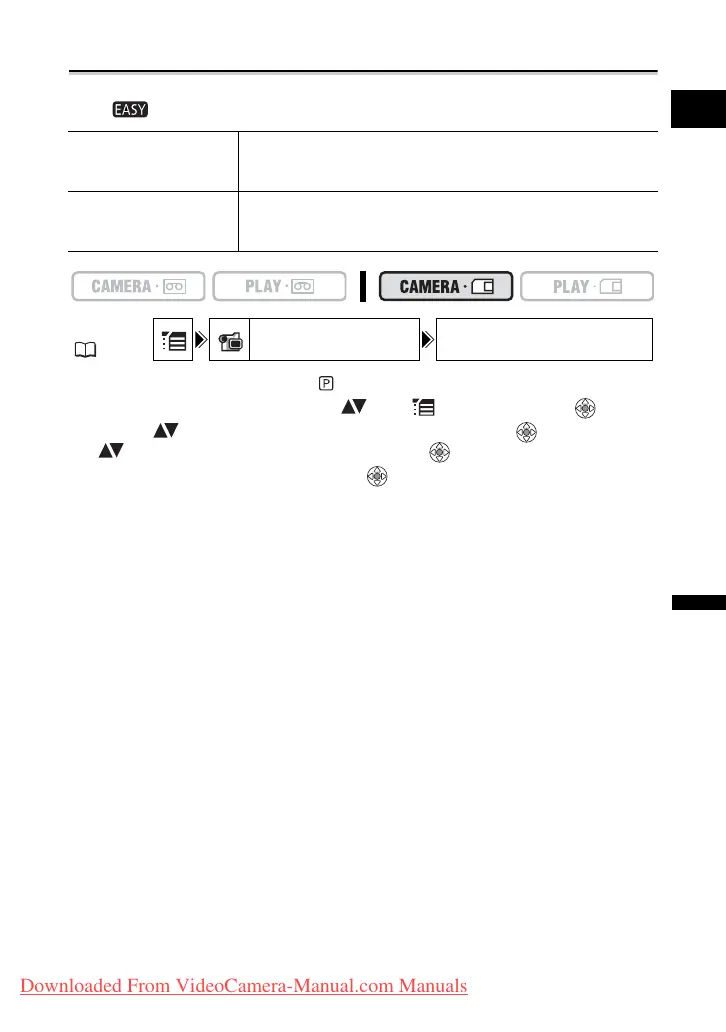
Selecting the Focusing Point
You can change the AF (autofocus) frame selection mode. When the program selector is
set to , the focusing point will automatically be set to [ON: AiAF].
1. Set the program selector to .
2. Open the FUNC. menu, select ( ) the icon and press ( ).
3. Select ( ) the [CAMERA SETUP] menu and press ( ). Then, select
( ) the [FOCUS PRI.] option and press ( ).
4. Select a setting option and press ( ) to save the changes, then close
the menu.
[OFF]: Turn off the focus priority mode when you wish to record a still image as soon
as you press the PHOTO button. When set to [OFF], no focusing frame appears.
9 Point AiAF Depending on the shooting conditions, one or more AF
frames out of the 9 frames available are automatically
selected and focused on.
Center point Out of the 9 frames available, the center AF frame is selected
to focus. This is convenient for making sure the focus is
exactly where you want it.
MENU
( 36)
CAMERA SETUP FOCUS PRI. ON: AiAF
Downloaded From VideoCamera-Manual.com Manuals



 To Next Page