68
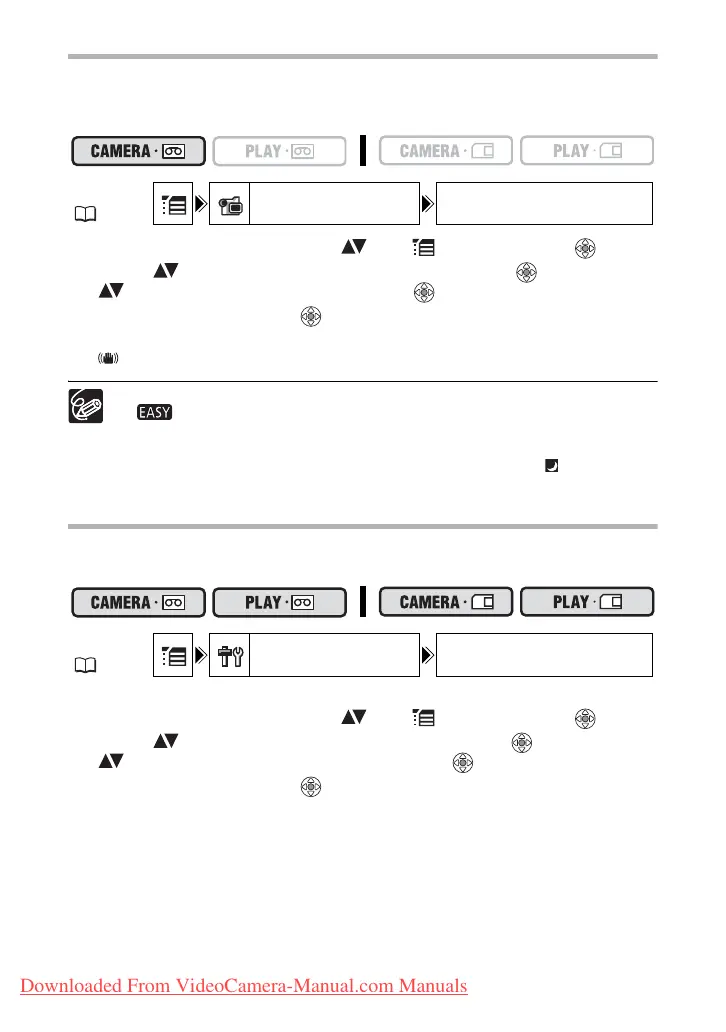
Turning Off the Image Stabilizer
The image stabilizer compensates for camcorder shake even at full telephoto. It tries to
compensate for horizontal movements; therefore, you may decide to turn it off when you
mount the camcorder on a tripod.
1. Open the FUNC. menu, select ( ) the icon and press ( ).
2. Select ( ) the [CAMERA SETUP] menu and press ( ). Then, select
( ) the [IMG STAB] option and press ( ).
3. Set it to [OFF] and press ( ) to save the changes, then close the
menu.
“ ” disappears.
The image stabilizer cannot be turned off when the program selector is set to
.
The image stabilizer is designed to compensate a normal degree of camcorder
shake.
The image stabilizer might not be as effective when using the
Night
recording program.
Changing the Display of the Start-Up Image
You can set whether the Canon logo will be displayed or not when you turn on the
camcorder.
To turn off the start-up image:
1. Open the FUNC. menu, select ( ) the icon and press ( ).
2. Select ( ) the [SYSTEM SETUP] menu and press ( ). Then, select
( ) the [START-UP IMG] option and press ( ).
3. Set it to [OFF] and press ( ) to save the changes, then close the
menu.
MENU
( 36)
CAMERA SETUP IMG STAB ON
MENU
( 36)
SYSTEM SETUP START-UP IMG ON
Downloaded From VideoCamera-Manual.com Manuals



 To Next Page