69
Advanced Functions
Other Functions
E
Demonstration Mode
The demonstration mode displays the camcorder’s main features. It starts automatically
when you leave the camcorder turned on (using the power adapter) without loading a
recording media for more than 5 minutes. However, you can set the camcorder not to
start the demonstration mode.
To deactivate the demonstration mode:
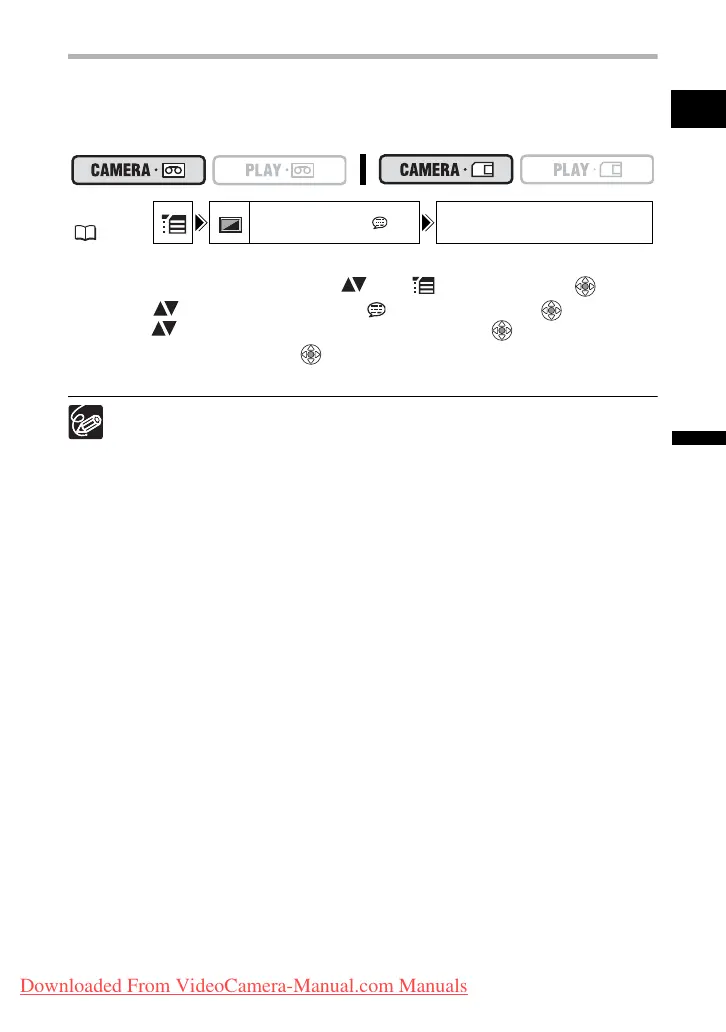
1. Open the FUNC. menu, select ( ) the icon and press ( ).
2. Select ( ) the [DISPLAY SETUP/ ] menu and press ( ). Then,
select ( ) the [DEMO MODE] option and press ( ).
3. Set it to [OFF] and press ( ) to save the changes, then close the
menu.
To cancel the demo mode once it has begun, press any button, turn off the
camcorder or load a recording media.
MENU
( 36)
DISPLAY SETUP/ DEMO MODE ON
Downloaded From VideoCamera-Manual.com Manuals



 To Next Page