94
Protecting Images
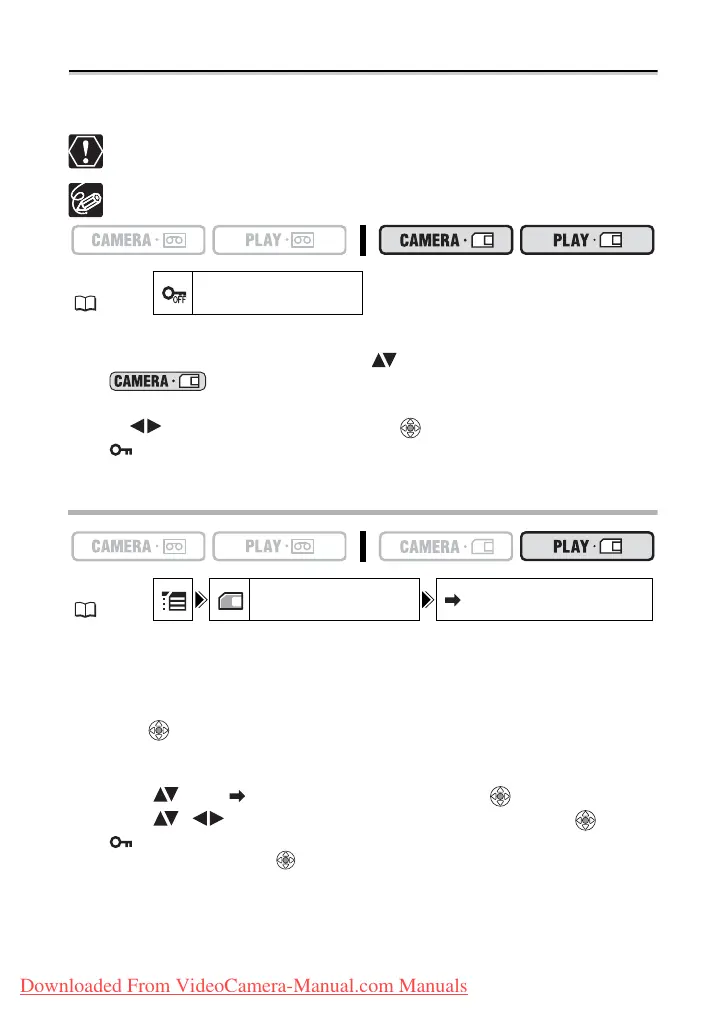
You can protect important images from accidental erasure when displaying a single image
or index screen.
If a memory card is initialized, all still images and movies, even protected ones,
will be erased permanently.
Movies can only be protected when the first scene is displayed as a still image.
1. Select the image you wish to protect.
2. Open the FUNC. menu and select ( ) the image protection icon.
In mode: The image protect menu appears only when you press the
FUNC. button while reviewing a still image immediately after recording it.
3. Set ( ) it to [PROTECT ON], press ( ) and close the menu.
• “ ” appears and now the image cannot be erased.
• To cancel the protection, repeat the operation and select [PROTECT OFF].
Protecting in Index Screen Display
1. Move the zoom lever toward W.
• Up to 6 images appear.
• Select the image you wish to protect.
2. Open the setup menus, select the [CARD OPERATIONS] menu and
press ( ).
Pressing the FUNC. button from the index screen will open the menu directly in the
setup menus screen.
3. Select ( ) the [ PROTECT] option and press ( ).
4. Select ( , ) the image you want to protect and press ( ).
• “ ” appears on the image.
• To cancel the protection, ( ) again.
5. Close the menu.
MENU
( 36)
PROTECT OFF
MENU
( 36)
CARD OPERATIONS PROTECT
Downloaded From VideoCamera-Manual.com Manuals



 To Next Page