50
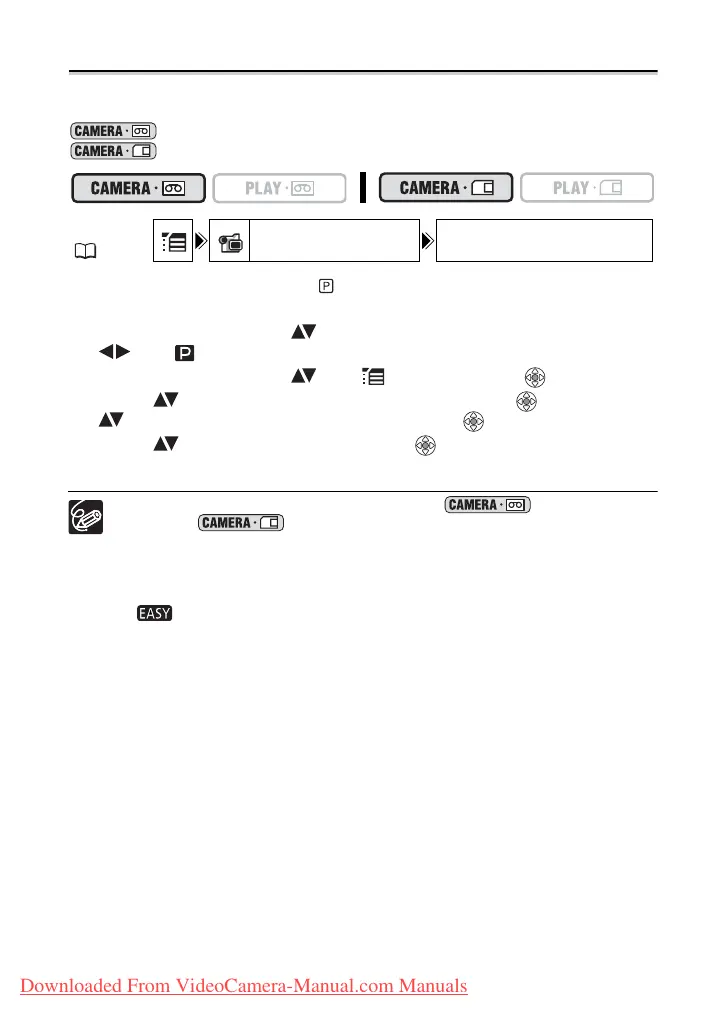
Setting the Shutter Speed
You can adjust the shutter speed manually to make stable shots of fast moving subjects.
Available shutter speed settings:
AUTO, 1/50, 1/120, 1/250, 1/500, 1/1000, 1/2000
AUTO, 1/50, 1/120, 1/250
1. Set the program selector to .
2. Press the FUNC. button to open the FUNC. menu.
3. With the joystick select ( ) the recording program icon and select
( ) the [PROGRAM AE] program.
4. With the joystick select ( ) the icon and press ( ).
5. Select ( ) the [CAMERA SETUP] menu and press ( ). Then, select
( ) the [SHUTTR SPEED] option and press ( ).
6. Select ( ) a setting option and press ( ) to save the changes.
7. Press the FUNC. button to close the menu.
If the shutter speed is set to 1/500 or higher in mode and you
switch to mode, it automatically changes to 1/250.
Do not point the camcorder directly at the sun when the shutter speed is set to
1/1000 or higher.
The image may flicker when recording with high shutter speeds.
The shutter speed resets to [AUTO] when you set the program selector to
or when you change the recording program.
Guidelines for Recording with High Shutter Speeds:
- Outdoor sports such as golf or tennis: 1/2000
- Moving objects such as cars or roller coasters: 1/1000, 1/500 or 1/250
- Indoor sports such as basketball: 1/120
MENU
( 36)
CAMERA SETUP SHUTTR SPEED AUTO
Downloaded From VideoCamera-Manual.com Manuals



 To Next Page