51
Advanced Functions
Recording
E
Auto Slow Shutter
In the Easy Recording mode or when the shutter speed is set to [AUTO] in the
Program AE recording program, the camcorder uses shutter speeds down to 1/25
( ) and 1/12.5 ( ). This allows you to obtain a brighter recording
in places with insufficient lighting. However, you can set the camcorder not to use a slow
shutter speed.
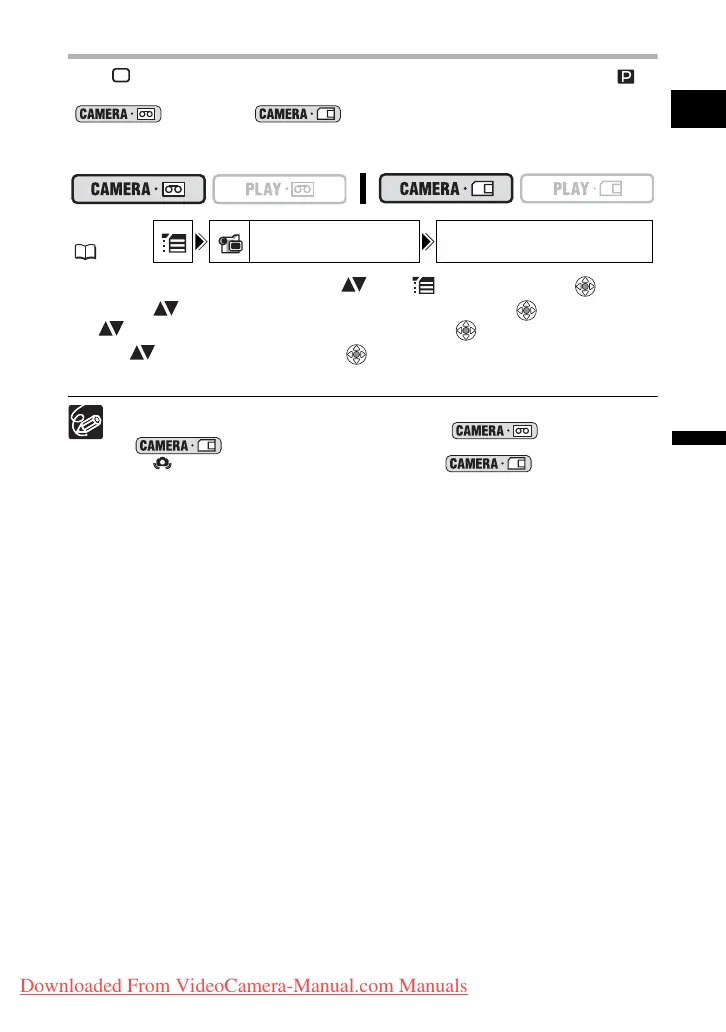
1. Open the FUNC. menu, select ( ) the icon and press ( ).
2. Select ( ) the [CAMERA SETUP] menu and press ( ). Then, select
( ) the [A.SL SHUTTER] option and press ( ).
3. Set ( ) it to [OFF] and press ( ) to save the changes, then close
the menu.
When set to [ON], moving subjects may leave a trailing afterimage.
The camcorder retains the setting separately in and
mode.
If “ ” (camcorder shake warning) appears in mode, stabilize
the camcorder, for example, by mounting it on a tripod or placing it on a table.
MENU
( 36)
CAMERA SETUP A.SL SHUTTER ON
Downloaded From VideoCamera-Manual.com Manuals



 To Next Page