79
E
Editing
Playing Back the Added Sound
You can select to play back Stereo 1 (original sound), Stereo 2 (added sound), or adjust
the balance of both sounds.
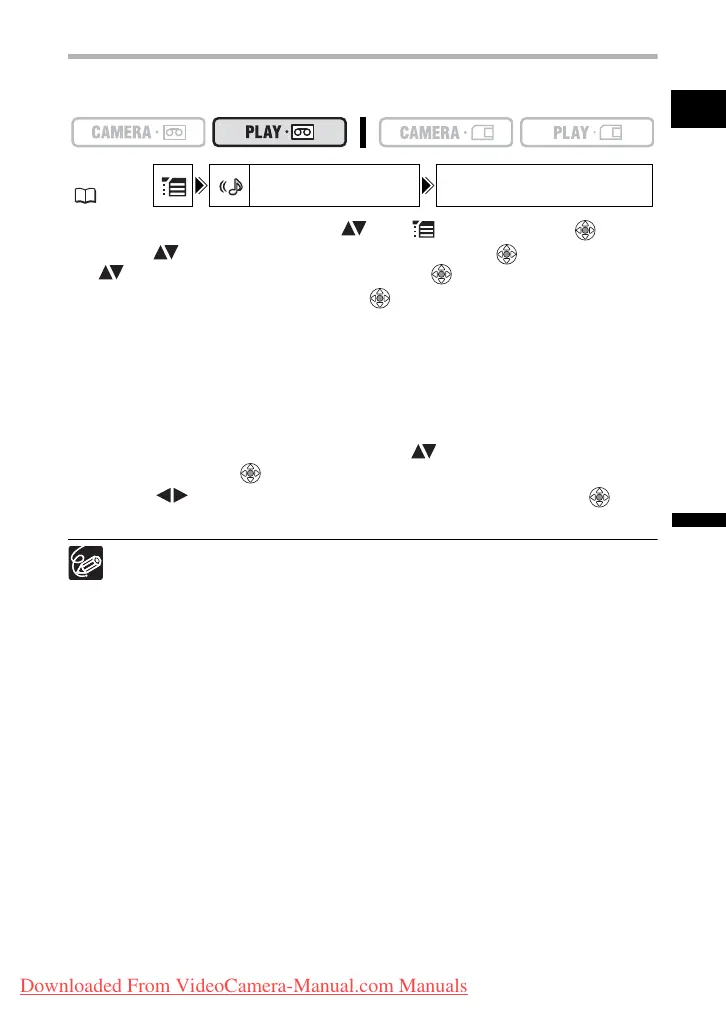
1. Open the FUNC. menu, select ( ) the icon and press ( ).
2. Select ( ) the [AUDIO SETUP] menu and press ( ). Then, select
( ) the [12bit AUDIO] option and press ( ).
3. Select a setting option and press ( ) to save the changes.
• STEREO1: Plays back the original sound.
• STEREO2: Plays back the added sound.
• MIX/FIXED: Plays back Stereo 1 and Stereo 2 in the same level.
• MIX/VAR.: Plays back Stereo 1 and Stereo 2. The mix balance can be adjusted.
• If you select an audio setting other than [MIX/VAR.], close the menu.
To adjust the mix level when you select [MIX/VAR.]:
4. From the [AUDIO SETUP] menu select ( ) the [MIX BALANCE]
option and press ( ).
5. Adjust ( ) the mix level between ST-1 and ST-2 and press ( ) to
save the changes, then close the menu.
The camcorder resets to [STEREO1] when you turn the camcorder off. However,
the mix balance is memorized by the camcorder.
MENU
( 36)
AUDIO SETUP 12bit AUDIO STEREO1
Downloaded From VideoCamera-Manual.com Manuals



 To Next Page