..
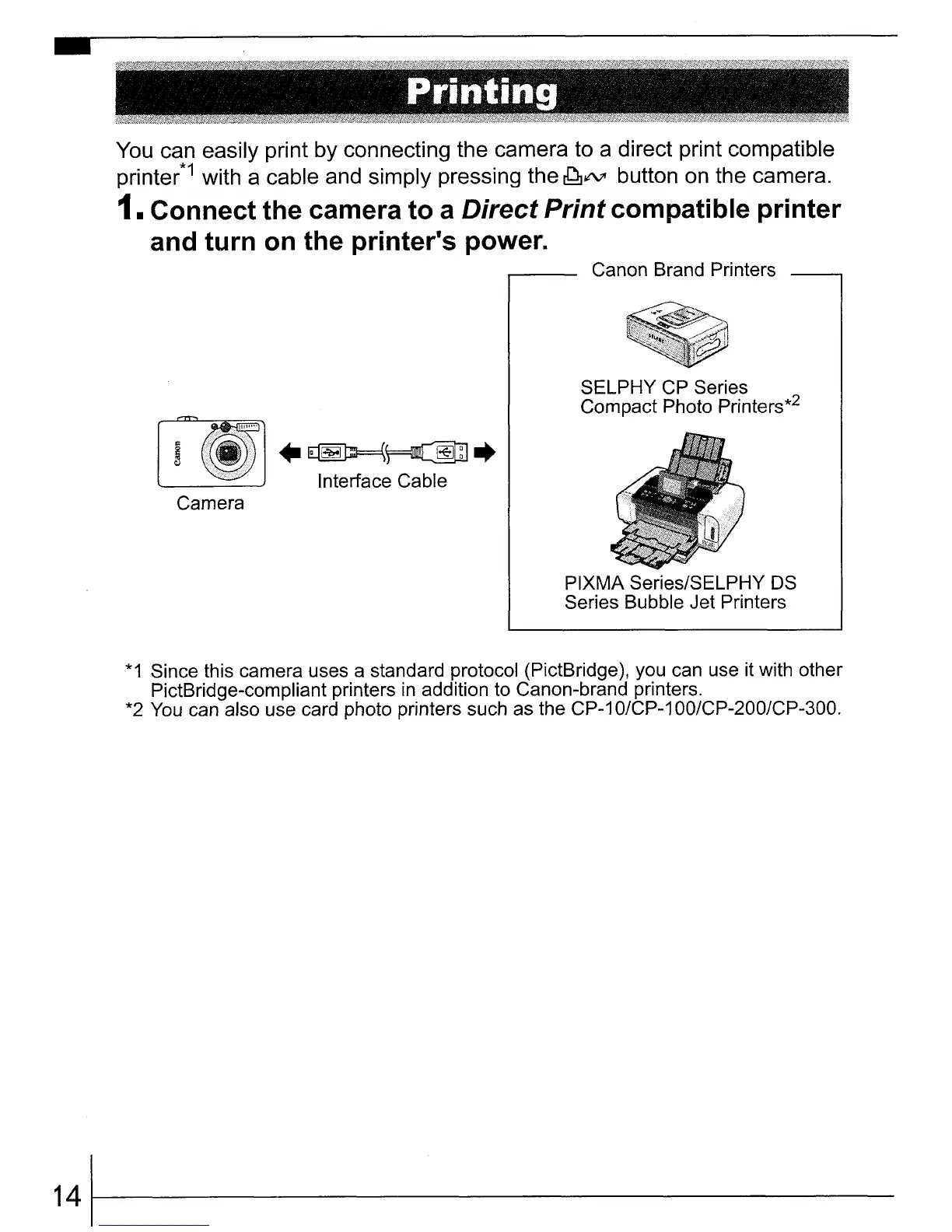
You can easily print by connecting the camera to a direct print compatible
printer*1 with a cable and simply pressing the
~lt\lI
button on the camera.
1. Connect the camera to a Direct Print compatible printer
and turn
on
the printer's power.
Canon Brand Printers
..
~~
..
Interface Cable
SELPHY CP Series
Compact Photo Printers*2
Camera
PIXMA Series/SELPHY
OS
Series Bubble Jet Printers
*1
Since this camera uses a standard protocol (PictBridge), you can use it with other
PictBridge-compliant printers
in
addition to Canon-brand printers.
*2 You can also use card photo printers such as the CP-1
O/CP-1
OO/CP-200/CP-300.
141f-------------















 To Next Page