•
Select
&
TransferlWalipaper
2. Select
[I:
or g and press the
~~
button (or the
FUNC.lSET button).
3. Select images to download and press the
~~
button
(or the FUNC.lSET button).
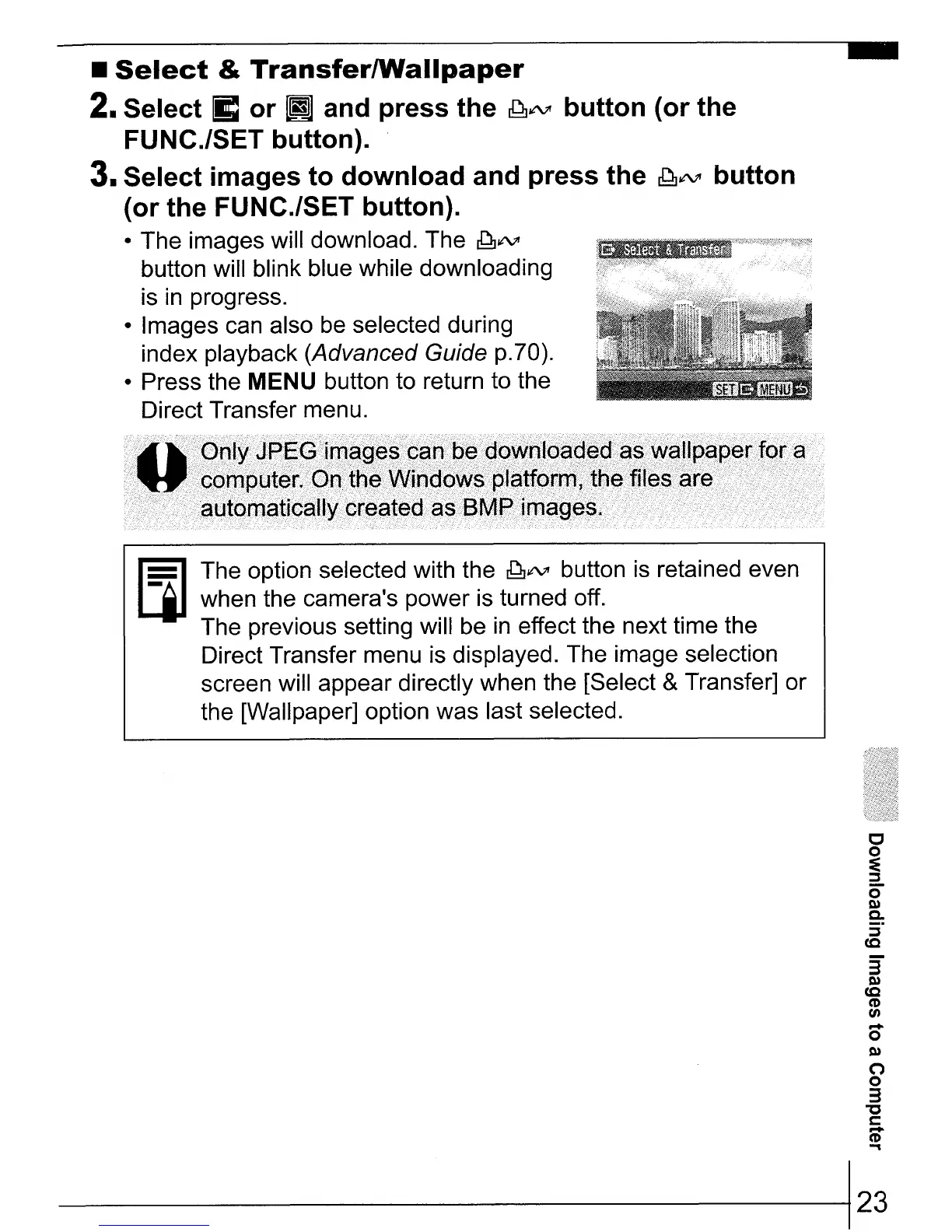
• The images will download. The
~~
button will blink blue while downloading
is
in
progress.
• Images can also
be
selected during
index playback (Advanced Guide p.70).
• Press the
MENU button to return to the
Direct Transfer menu.
Ji¥I
The option selected with the ~~ button
is
retained even
LjI
when the camera's power is turned off.
The previous setting will
be
in
effect the next time the
Direct Transfer menu is displayed. The image selection
screen will appear directly when the [Select
&Transfer] or
the [Wallpaper] option was last selected.
c
o
:E
~
0"
Q)
Co
S·
(Q
3"
Q)
(Q
CD
fA
o
Q)
n
o
3
"C
C
~
------------123















 To Next Page