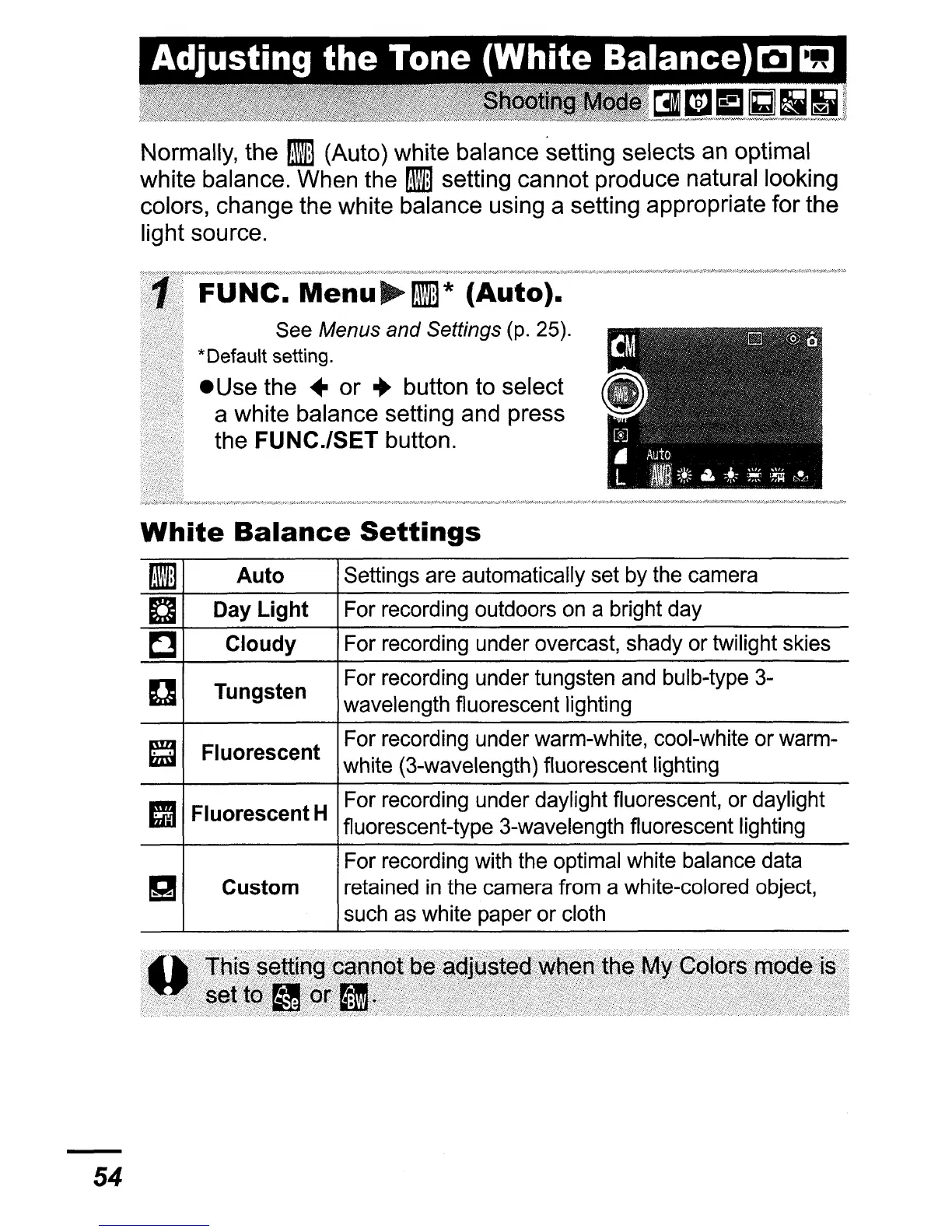
Normally, the
!ill
(Auto) white balance setting selects an optimal
white balance. When the flI setting cannot produce natural looking
colors, change the white balance using a setting appropriate for the
light source.
FUNe.
Menu~mill*
(Auto).
See Menus and Settings (p. 25).
*Default setting.
• Use the
..
or
..
button to select
a white balance setting and press
the
FUNC.lSET button.
54
White
Balance
Settings
mill
Auto
Settings are automatically set by the camera
a
Day
Light For recording outdoors on a bright day
C
Cloudy
For recording under overcast, shady or twilight skies
D
Tungsten
For recording under tungsten and bulb-type 3-
wavelength fluorescent lighting
~
Fluorescent
For recording under warm-white, cool-white or warm-
white (3-wavelength) fluorescent lighting
C3
Fluorescent H
For recording under daylight fluorescent, or daylight
fluorescent-type 3-wavelength fluorescent lighting
For recording with the optimal white balance data
g
Custom
retained
in
the camera from a white-colored object,
such as white paper or cloth















 To Next Page