Using
the
Custom
White
Balance
You can set a custom white balance to obtain the optimal
setting for the shooting conditions by having the camera
evaluate an object, such as a piece
of
white paper or cloth,
or a photo-quality gray card that you wish to establish as the
standard white color.
In
particular, take a custom white balance reading for the
following situations that are difficult for the
rnI
(Auto) setting
to detect correctly.
eShooting close-ups
eShooting subjects
of
monotone color (such as sky, sea or
forest)
eShooting with a peculiar source
of
light (such as a
mercury-vapor lamp)
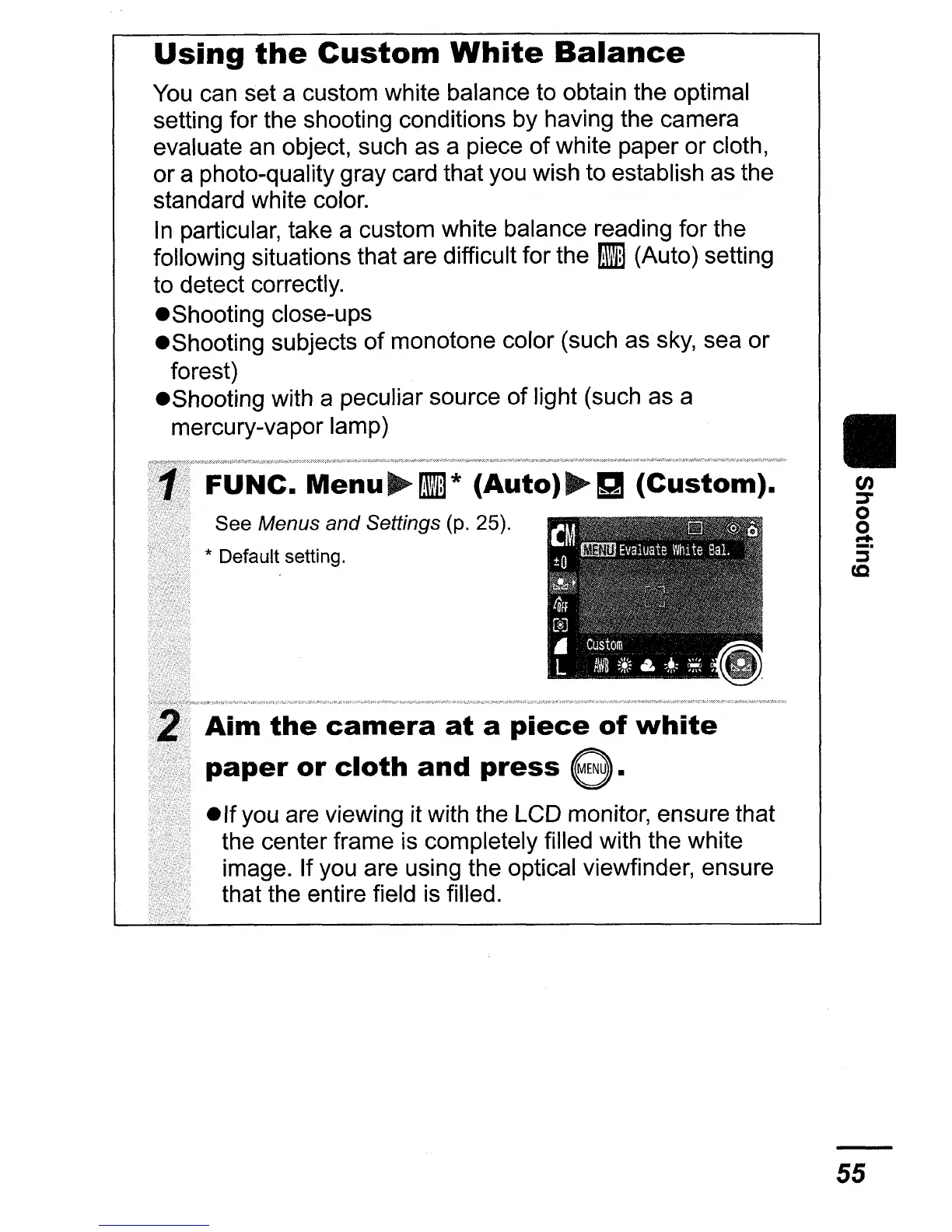
FUNC.
Menu
rnI*
(Auto)~g
(Custom).
See Menus and Settings (p. 25).
* Default setting.
Aim
the
camera
at
a
piece
of
white
paper
or
cloth
and
press
e.
elf
you are viewing it with the LCD monitor, ensure that
the center frame is completely filled with the white
image. If you are using the optical viewfinder, ensure
that the entire field is filled.
II
en
:::T
o
o
....
5"
c.c
55















 To Next Page