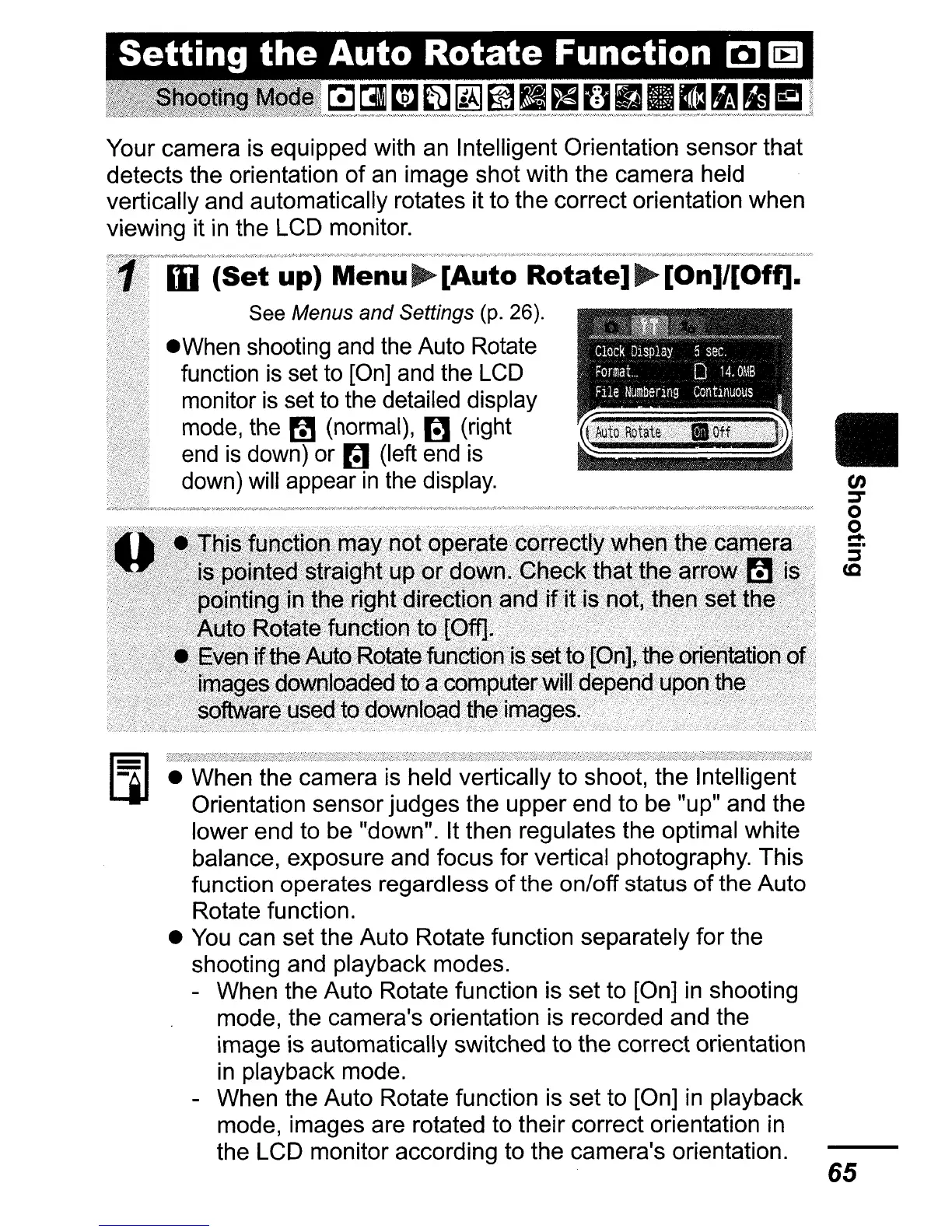
Your camera is equipped with an Intelligent Orientation sensor that
detects the orientation
of
an
image shot with the camera held
vertically and automatically rotates it to the correct orientation when
viewing it
in
the LCD monitor.
Auto
Rotate
~~J_~1~"=~_""=MM'"
Clock
DISplay
5
sec.
Format.
D
14.0MB
•
hie
Numbenng
ContInuous
II
65
• When the camera is held vertically to shoot, the Intelligent
Orientation sensor judges the upper end to be "up" and the
lower end to be "down". It then regulates the optimal white
balance, exposure and focus for vertical photography. This
function operates regardless
of
the on/off status
of
the Auto
Rotate function.
•
You
can set the Auto Rotate function separately for the
shooting and playback modes.
- When the Auto Rotate function is set to [On]
in
shooting
mode, the camera's orientation is recorded and the
image is automatically switched to the correct orientation
in
playback mode.
- When the Auto Rotate function is set to [On]
in
playback
mode, images are rotated to their correct orientation
in
the LCD monitor according to the camera's orientation.
III
(Set
up)
Menu~[Auto
Rotate]~[On]/[Off].
See Menus and Settings (p. 26).
.When
shooting and the Auto Rotate
function is set
to
[On]
and
the
LCD
monitor
is
set to the detailed display
mode, the
~
(normal),
r!1
(right
end
is
down) or
rn
(left end is
down) will appear
in
the display.















 To Next Page