. 77
5
0 : 07/19 . AG525990
Selezione di un attrezzo memorizzato
EZ-Select consente all’utente di salvare le
impostazioni per un massimo di quattro diversi
attrezzi.
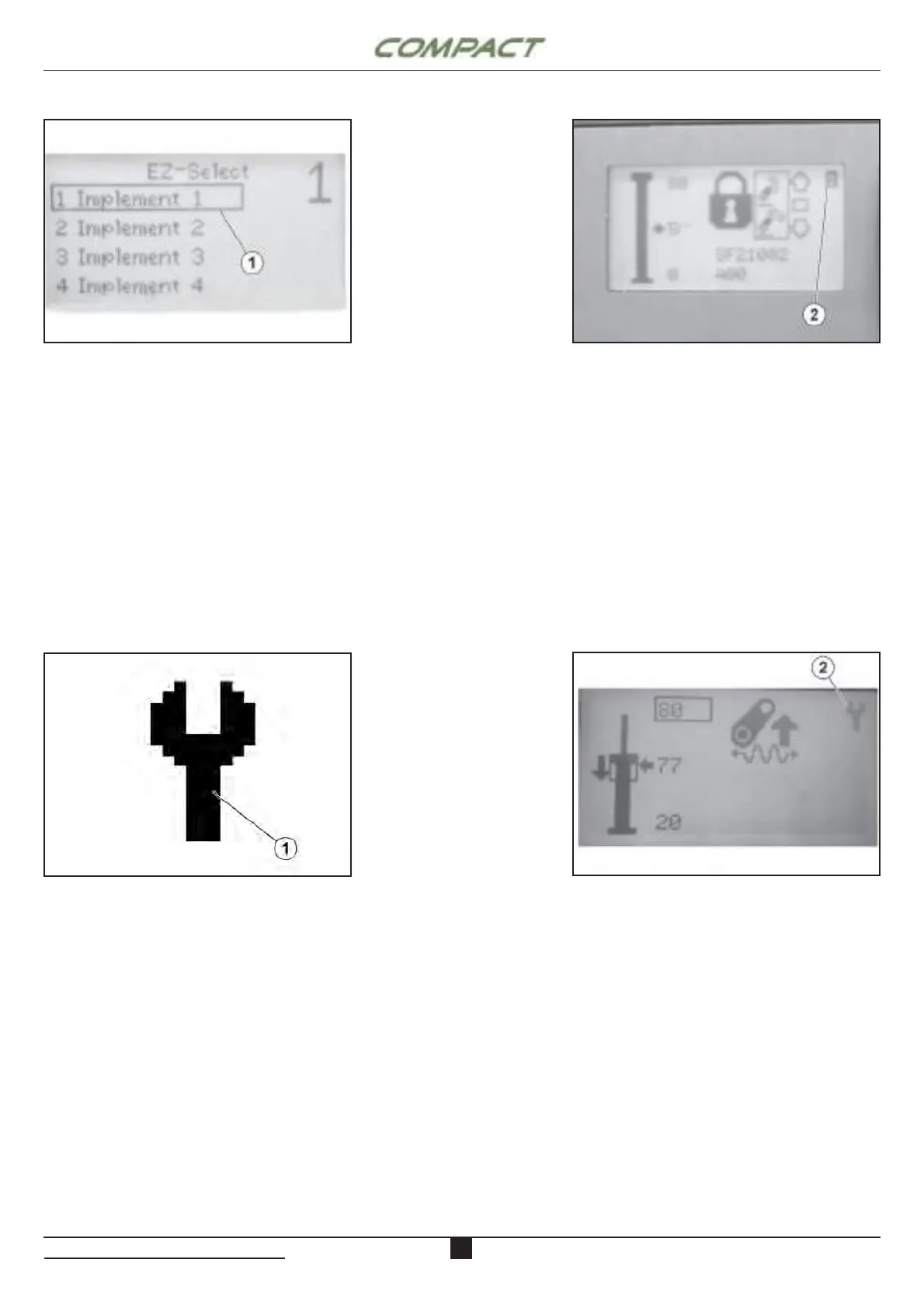
Per usare EZ select, prima vai al menu EZ-Select.
Seleziona l’attrezzo che si desidera modifi care
scorrendo l’elenco (1) e premendo il tasto invio
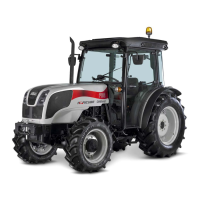
sull’attrezzo desiderato. Sulla schermata principale
sarà visualizzato l’attrezzo selezionato in alto a destra
(2). Ogni volta che un’impostazione è stata cambiata,
questo numero avrà a sfondo scuro e lettere chiare.
Per salvare le impostazioni EZ-Select tenere premuto
il pulsante invio per cinque secondi.
EZ – Select Mode
EZ-Select Implement Number (1): The EZ-Select
Implement allows the user to save desired settings for
up to four diff erent implements for quick
implement changes. To use EZ select, fi rst go to the
EZ-Select menu. Select the implement you would like
to modify by scrolling through the list and pressing
the Enter Key on the desired implement. On the
main screen a number will be displayed showing the
selected implement in the upper right hand corner.
Whenever a setting has been changed, this number
will have a dark background and light letter. To save
the EZ-Select settings hold the Enter Key for fi ve
seconds.
AGRCCA_000628
Modalità Service
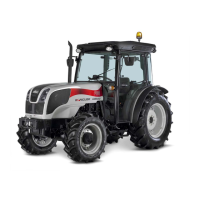
La modalità Servizio (1) è destinata a fornire
indicazione che occorre eff ettuare manutenzione al
sollevatore.
Quando un controller viene inizialmente installato su
un trattore, la modalità Service è attiva fi no alla prima
calibrazione eseguita.
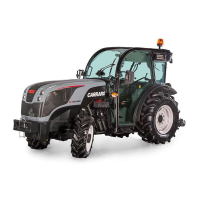
Quando la modalità Service è attiva, l’indicatore della
modalità Service (2) verrà visualizzato nell’angolo in
alto a destra dello schermo.
Occorre contattare un centro di assistenza
autorizzato.
Service Mode
Service Mode (1) is intended to provide functionality
that is not normally needed to operate the hitch
system. When a controller is initially installed on a
tractor, Service Mode is active until the fi rst calibration
is performed. Key and Enter Key for 5 seconds.
When Service Mode is active, the Service Mode
indicator (2) will be displayed in the upper right hand
corner of the screen.
This operation must be done by an authorised service
centre.
AGRCCA_000630
AGRCCA_000629AGRCCA_000631


 To Next Page