20
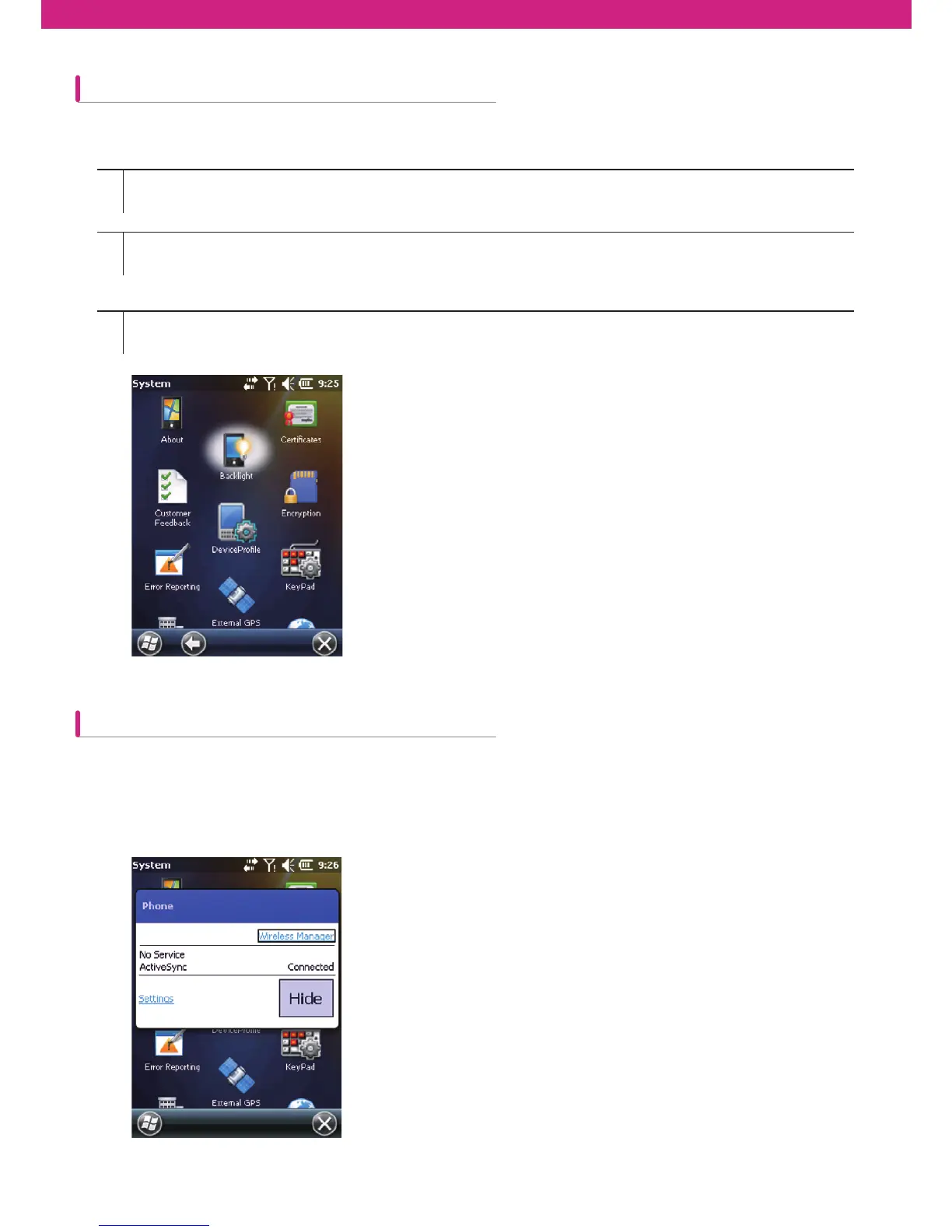
Changing backlight settings
Turning off the wireless function
How to set CW30 so that only the backlight is turned off when it is not used for a speci¿c time
The Microsoft Windowns Mobile 6 device includes Wireless Manager which allows every wireless function of the
device to be activiated, deactivated and composed at one place.
To open Wireless Manager, press Wireless Manager or press Connectivity icon on the Home screen.
1
2
3
Start > Settings > System > Backlight icon > Battery Power tab
On battery power: Disable backlight if device is not used for (When batter power is used: turning off the backlight
when it is not used for the following time period) Select the X mark and select one of 1 min~5 min from the
dropdown menu.
Select OK.



 To Next Page