57
Adjusting audio volume
Making a phone call
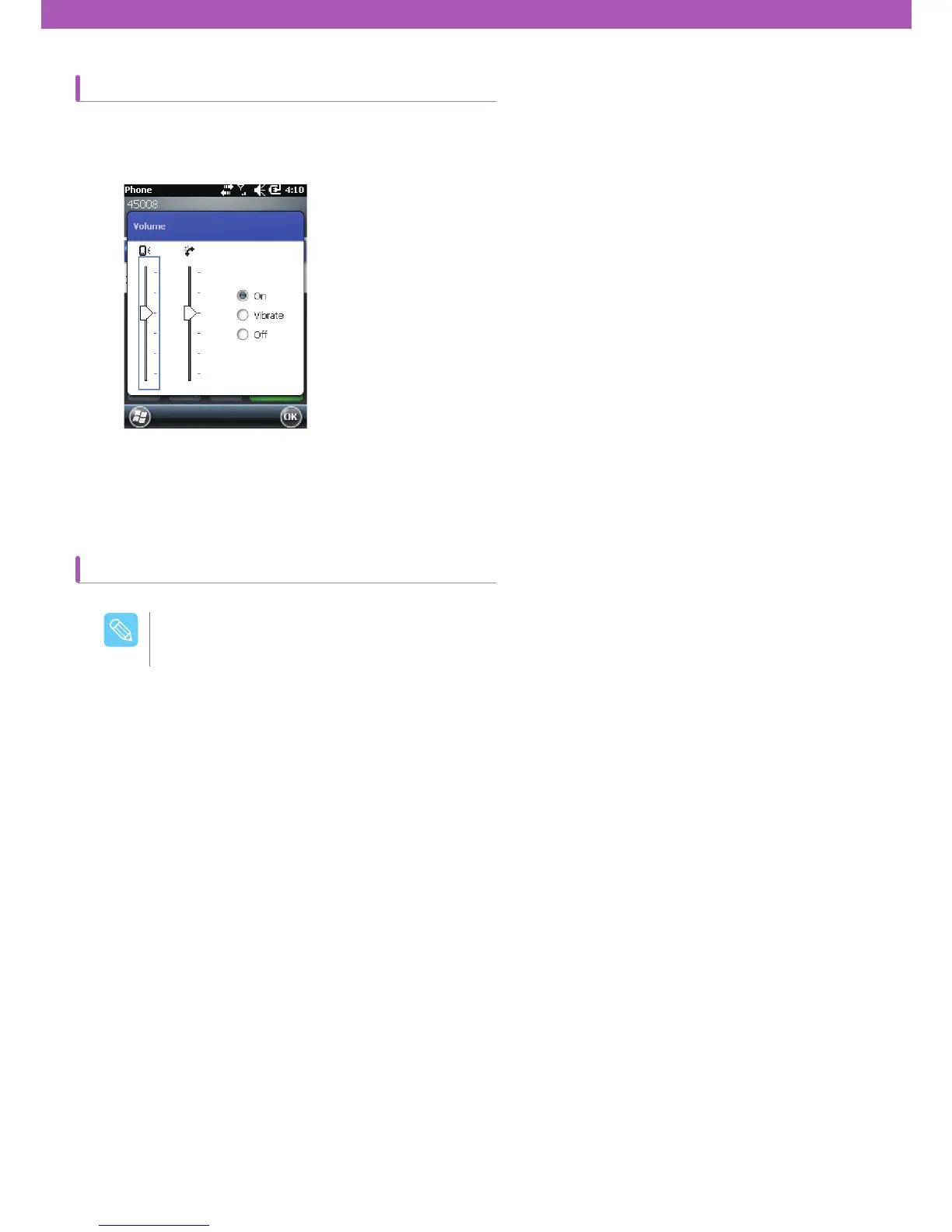
Adjust ring volume by pressing volume control settings or volume button located on the top, and adjust audio volume
while making a phone call.
A user can make a call via voice call, contacts, call list, and text message box on CW30.
To adjust volume, tap speaker icon that comes up after tapping the title bar. Adjust volume by moving the slide up and
down.
Making an emergency call is possible even if the SIM card is not installed. Refer to page 7 for more
details.
$BVUJPO



 To Next Page