55
4
Using the phone
Overview
Using the phone application
Turning on or off the phone
Using CW30, a user can make a call, save contacts, manage phone call records, send text messages, save received
messages, etc. In addition, a user can browse the web via a dial-up network to send data in real time using various
of¿ce applications.
Regardless of running programs, a user can use the phone application anytime he wants.
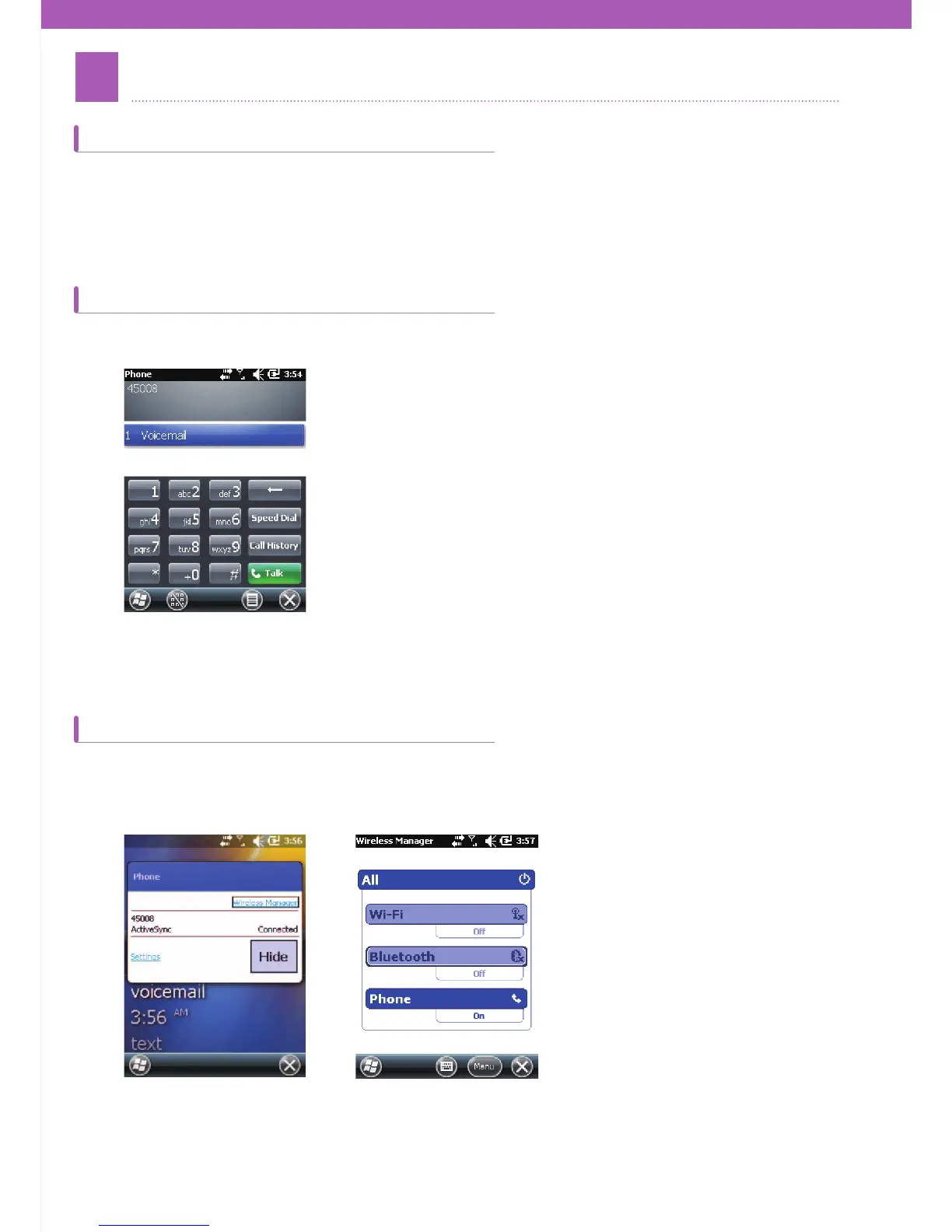
The phone can be activated or deactivated via the Wireless Manage
r in a Windows Mobile 6.5 device. Wireless can
be launched by choosing Start > Settings > Connections.
Choose the Wireless Manager. Turn on or off a device by selecting its name. To con¿gure connection settings tap
Menu > the settings of each device.
In order to use the phone application, choose Start > Phone or just tap the green button on the keypad of CW30.



 To Next Page