40
Display of battery level
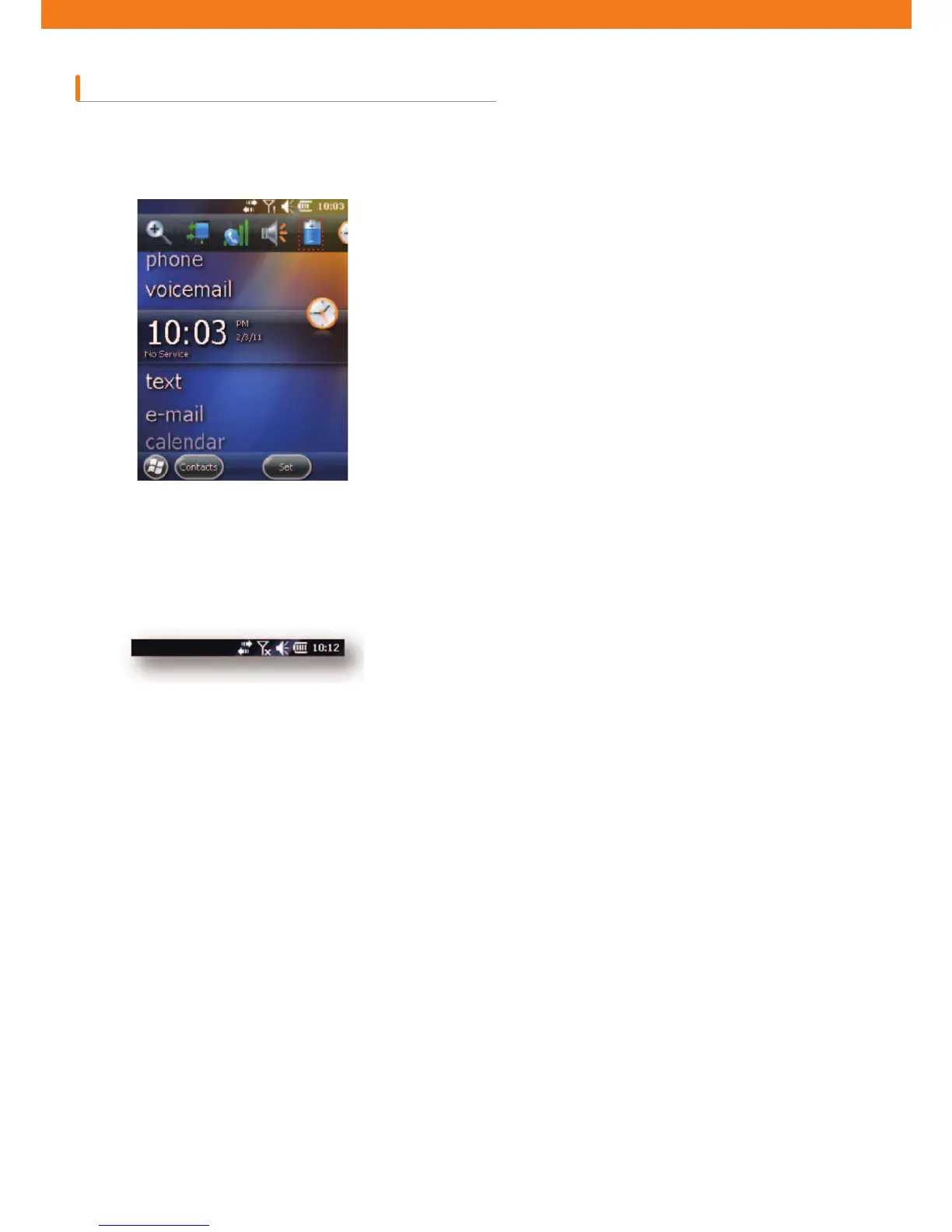
Battery icon on the Navigation Bar indicates battery power level. If the main battery is lower than the pre-speci¿ed
level, the corresponding icon displays the level; when battery dialogue box appears, it displays the main battery level.
On the Home Screen, the battery icon is always displayed on the Navigation Bar, indicating battery level. The
message will be displayed until it is dismissed.
Or you can check battery level by opening the power window.
[Figure 2-9. Battery level dialogue box]
[Figure 2-10. Battery icon on the title bar]



 To Next Page