72
2
3
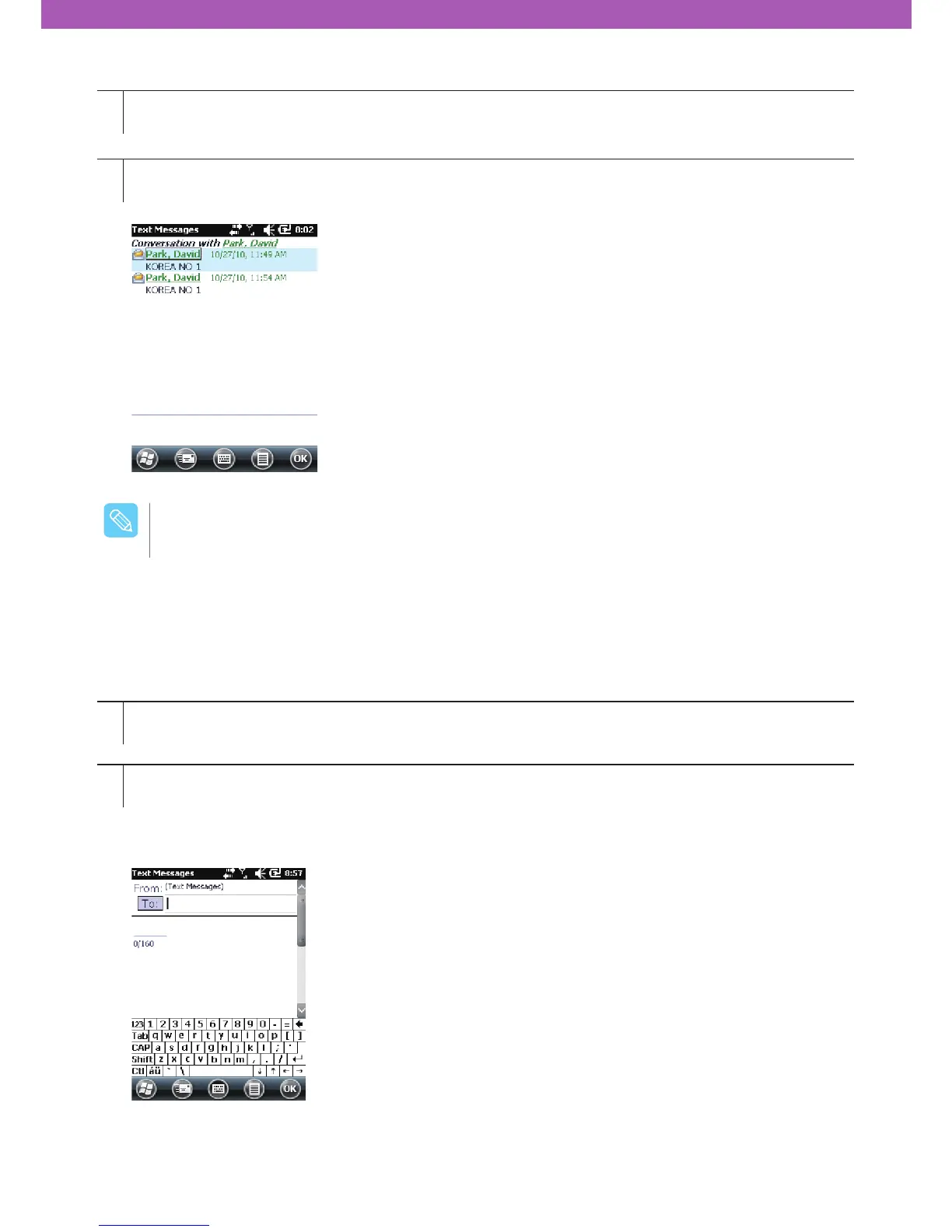
Text Message window will appear.
Tap a text message in the message list.
Sending text messages
How to create a new text message
1
2
Tap Start > Text Message
Tap Create New Text Message.
You can check the size of the message you are writing via character counter.
If you want to know whether the receiver has received your message, choose Message Transmission Check
Request after tapping Menu > Message Option.
When the phone is turned off, you have to turn it on to make a call or to send a new message.
$BVUJPO



 To Next Page