24
2
Using CW30
Overview
Start Screen
Title bar
This chapter will explain how to use the buttons of CW30 and status icons, including the basic instructions on turning
on CW 30, resetting, data entry and capture.
The default wireless status of CW30 is as follows:
Wireless LAN – Off
Bluetooth – Off
Phone – Off
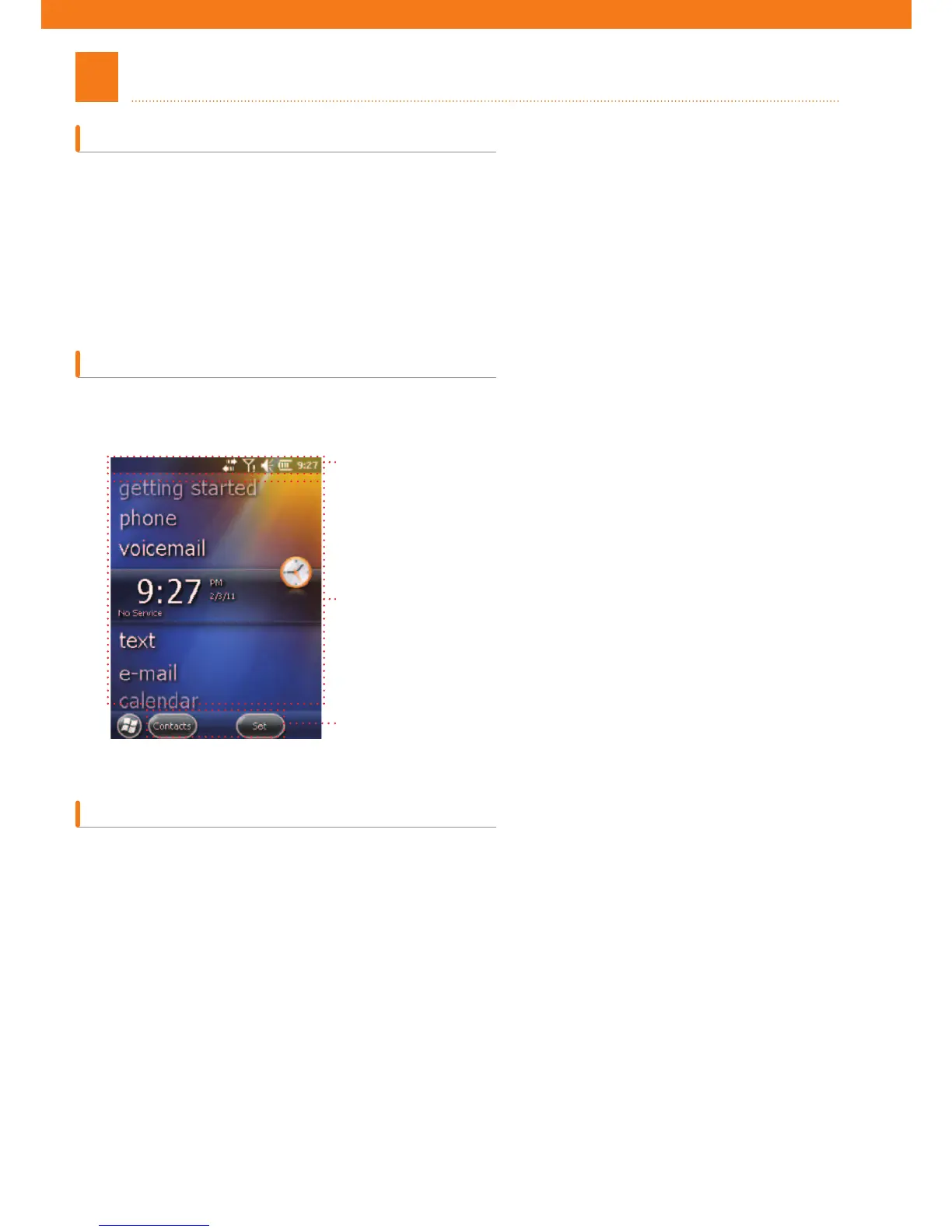
The Home Screen is composed of status bar at the top, the Home Screen in the middle, and soft keys at the bottom.
The descriptions on
those elements are as follows:
In the title bar, status-indicating icons may be listed in table 2-1.
Title bar
Home Screen
soft key



 To Next Page