43
Locking CW30
Locking with a password
Prevent unauthorized use of the device by using the device-locking feature. When locked, CW30 will not respond to
all input from the screen or keyboard.
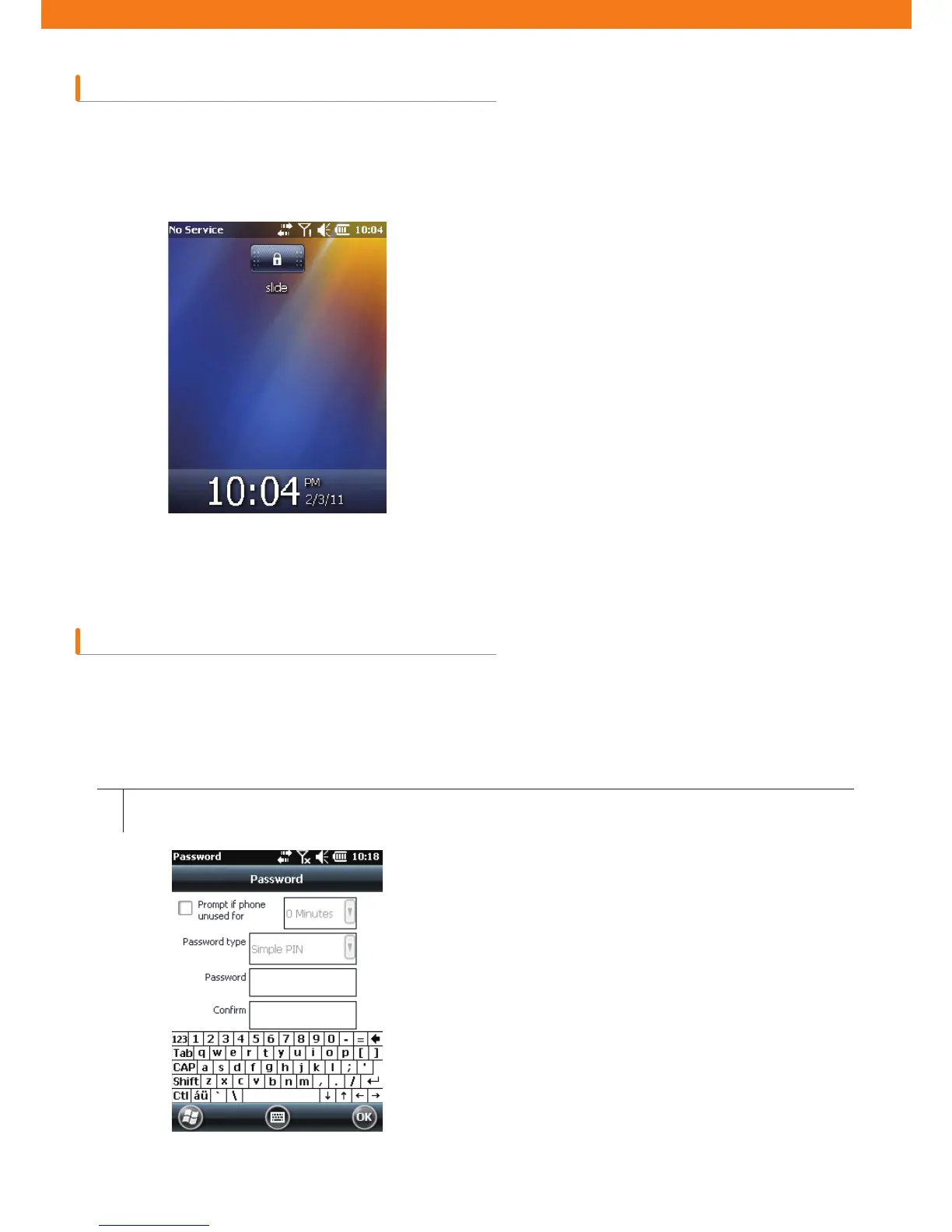
To lock CW30, tap Lock icon that looks like a lock beneath the Start.
To unlock CW30, slide the lock button to the left or to the right.
This feature protects CW30 from unauthorized access by setting a password in the password window.
Note: if the device is con¿gured to be connected to a network, a user must strengthen network security using
complicated (hard to ¿gure out) password. The tools for cracking password are advancing day by day, and the
computers being used for cracking passwords are becoming more powerful than ever.
If CW30 is locked with a password, a message asking a password will be prompted.
[Figure 2-18. Device-unlock window]
[Figure 2-19. Password window and password tab]
1
Go to Start > Setting > Lock > Password tab.



 To Next Page