83
Bluetooth deactivation
How to deactivate Bluetooth
1
2
3
Tab Bluetooth bar after tapping Wireless Manager or tap Start > Settings > Connection > Bluetooth icon.
Deselect Turn on Bluetooth
Tap OK.
Searching for Bluetooth devices
CW30 can receive information from a detected device without connecting to it. But, when connected, the device
connected to CW30 will automatically exchange data with CW30 if Bluetooth wireless connection is activated.
How to ¿nd a Bluetooth device within the range
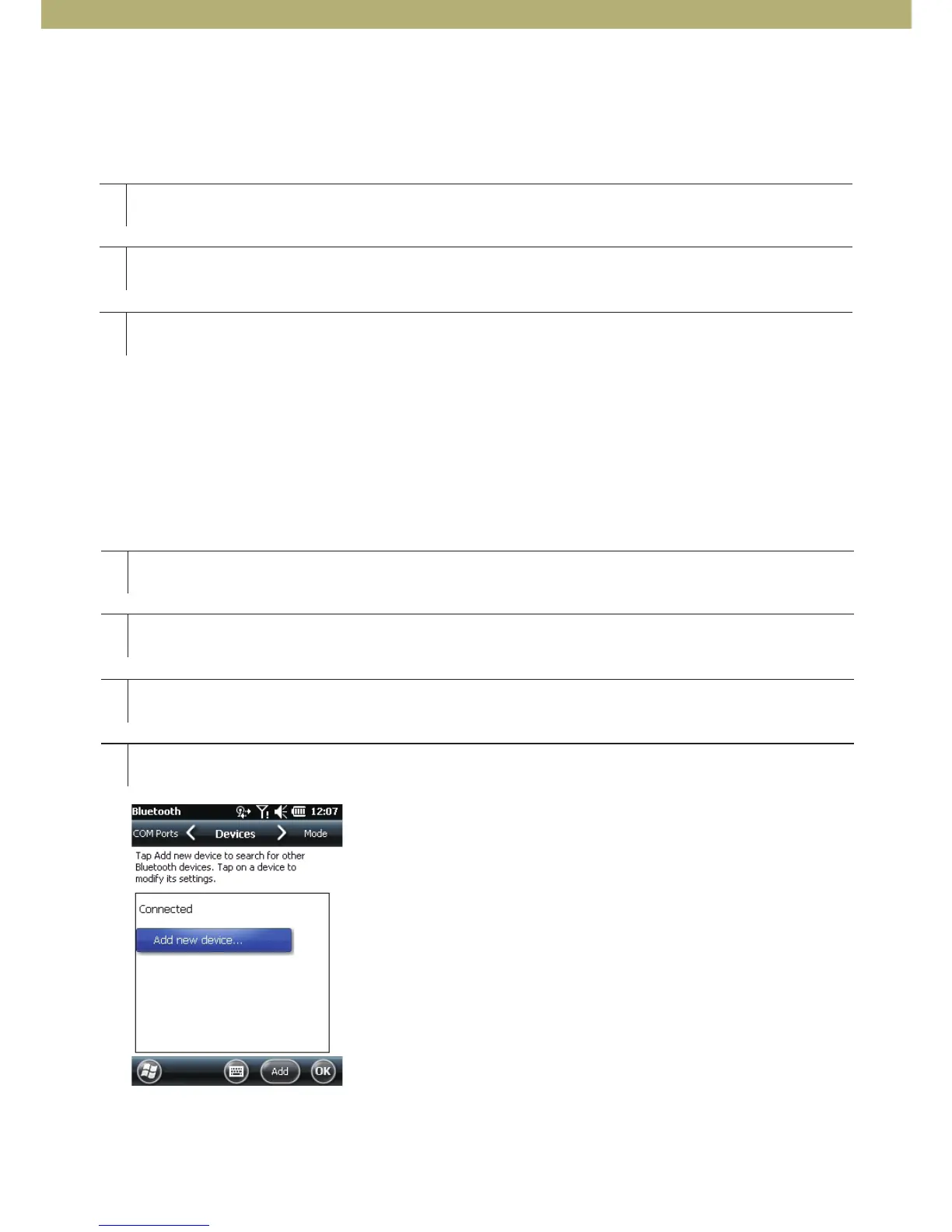
[Figure 6-2 Bluetooth device tab]
1
2
3
4
Activate Bluetooth on both devices.
Set the Bluetooth devices to detection and connection-enabled mode.
Check the distance between the devices is within 10 m (30 ft).
Choose Start > Settings > Connection > Bluetooth > Device.



 To Next Page