63
Using Speed Dial
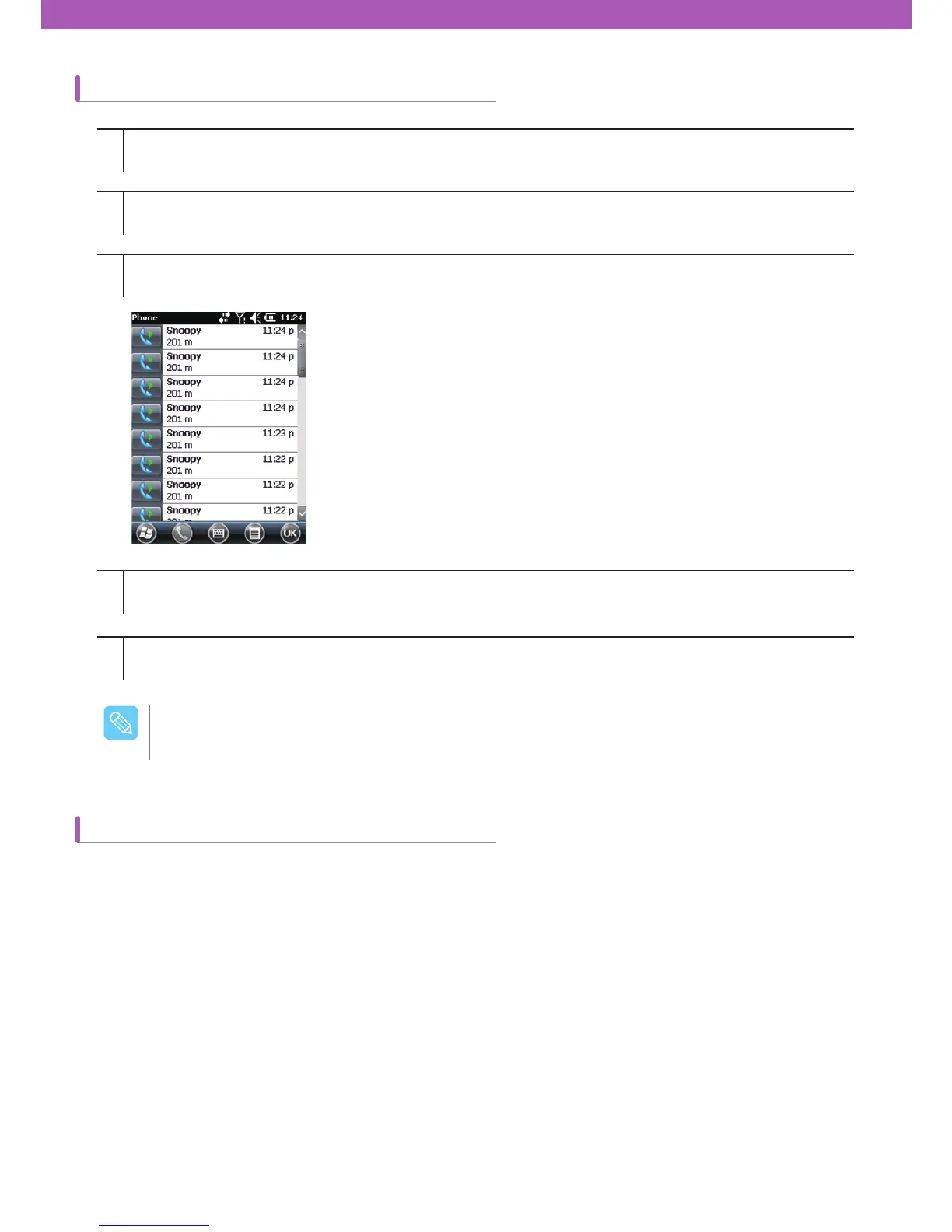
How to check the memo created during a call
You can make a call with a single tap by creating a speed dial entry. After assigning a number to Contacts, you can
add the number to the Speed Dial.
1
2
3
4
5
Tap Start > Phone or tap the green Talk key on CW30 keypad.
Tap Call History on the Phone keypad.
Press and hold on a call record including a memo or the memo icon.
Tap View Memo.
Tap OK to end.
You can check the Memo program directly by choosing Start > Memo.
$BVUJPO



 To Next Page