46
Data entry
Viewing pictures and videos
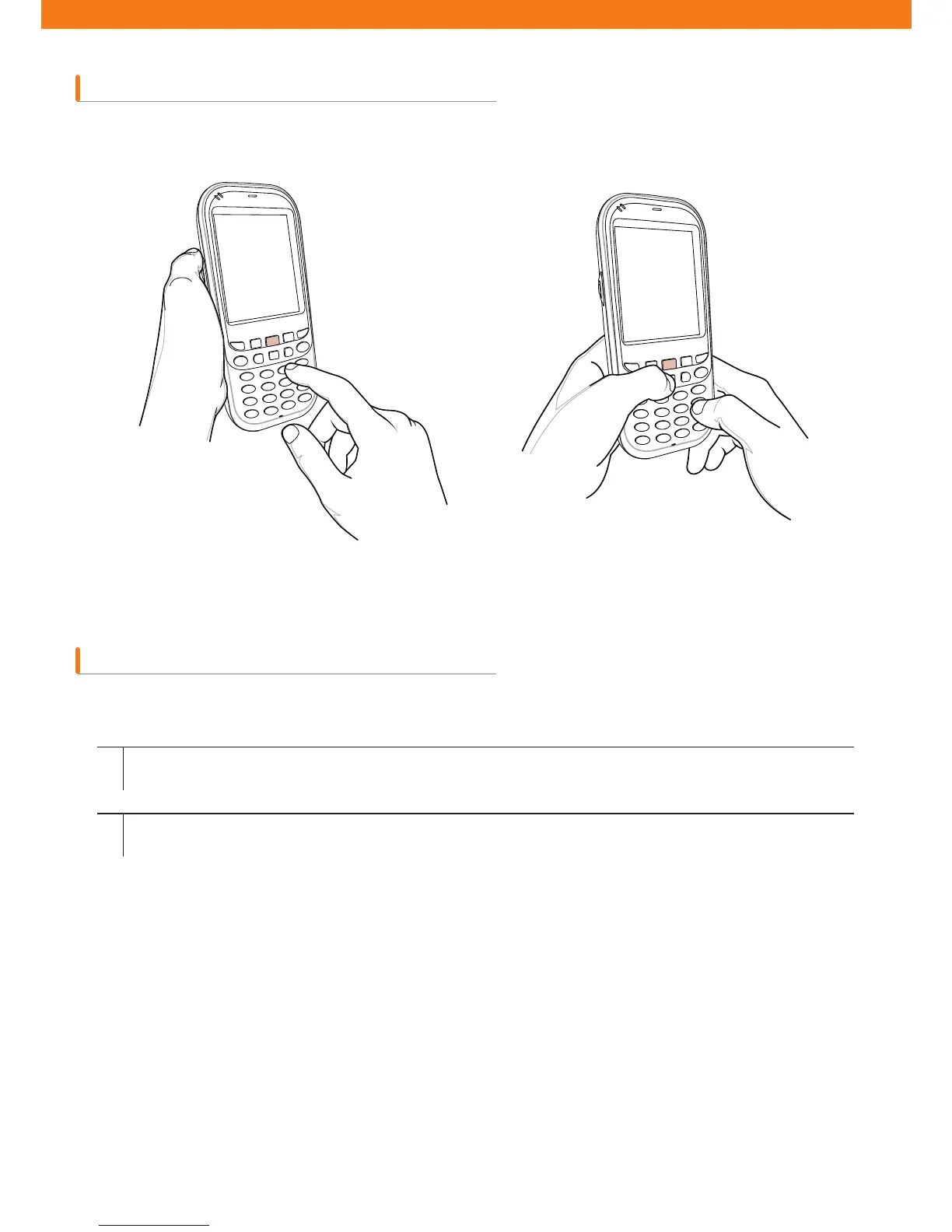
When you enter data using the keypad, you can use just one hand or use both hands (see ¿gure 2-22).
How to view pictures and video clips
Entering data using one hand Entering data using both hands
1
2
Tap Start > Pictures and Videos icon
Choose pictures or video clips you want to view.



 To Next Page