53
Image scanning
1
2
3
Check an application necessary for scanning is running in CW30.
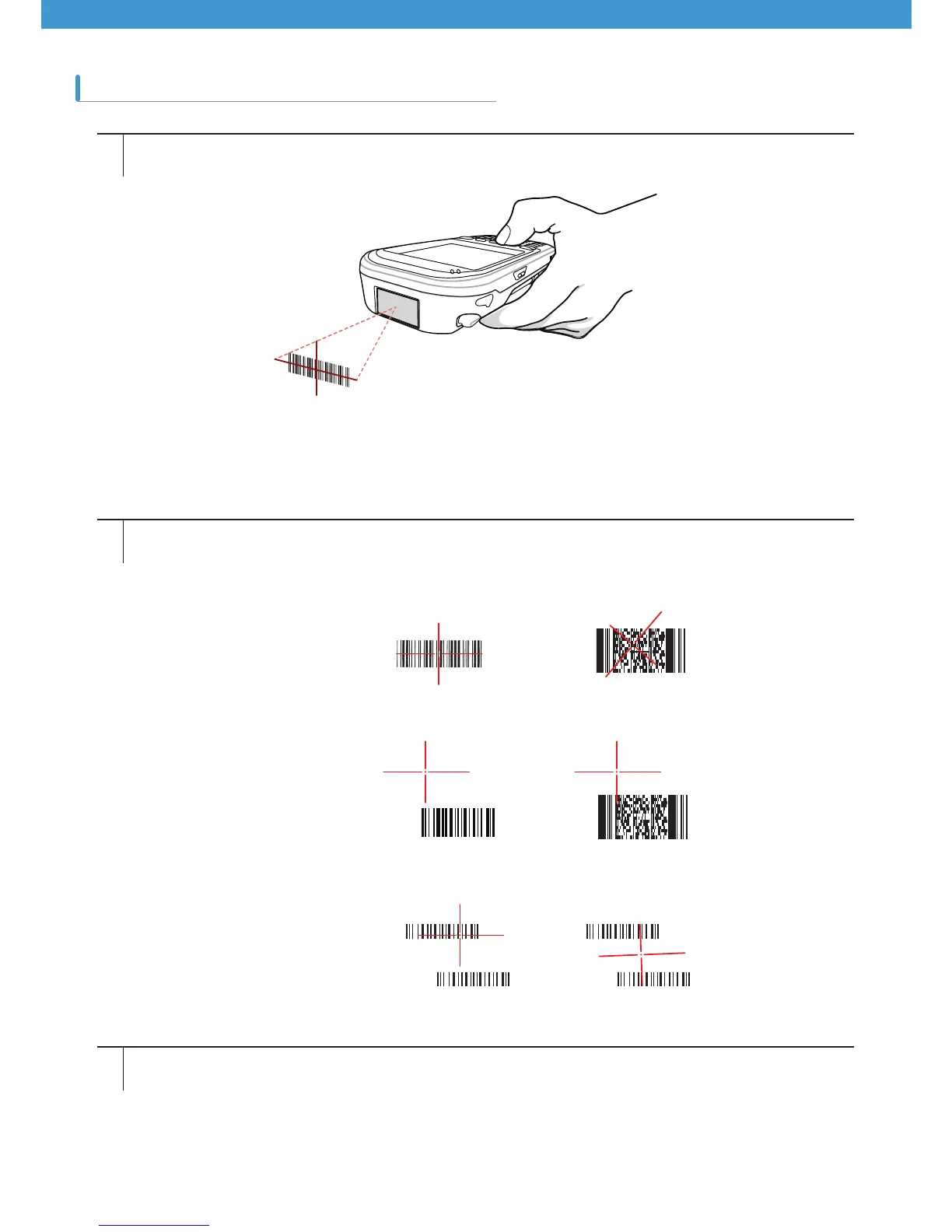
Pressing the scanning button turns on the aiming pattern helping to level at a target. Move the aiming pattern to
the center of a barcode area. The red laser beams indicates that scanning is under way, and an alarm goes off,
meaning that decoding of the barcode was successful.
Release the scan button.
[Figure 3-3 2D Image Scanning]
¥
¥
X



 To Next Page