59
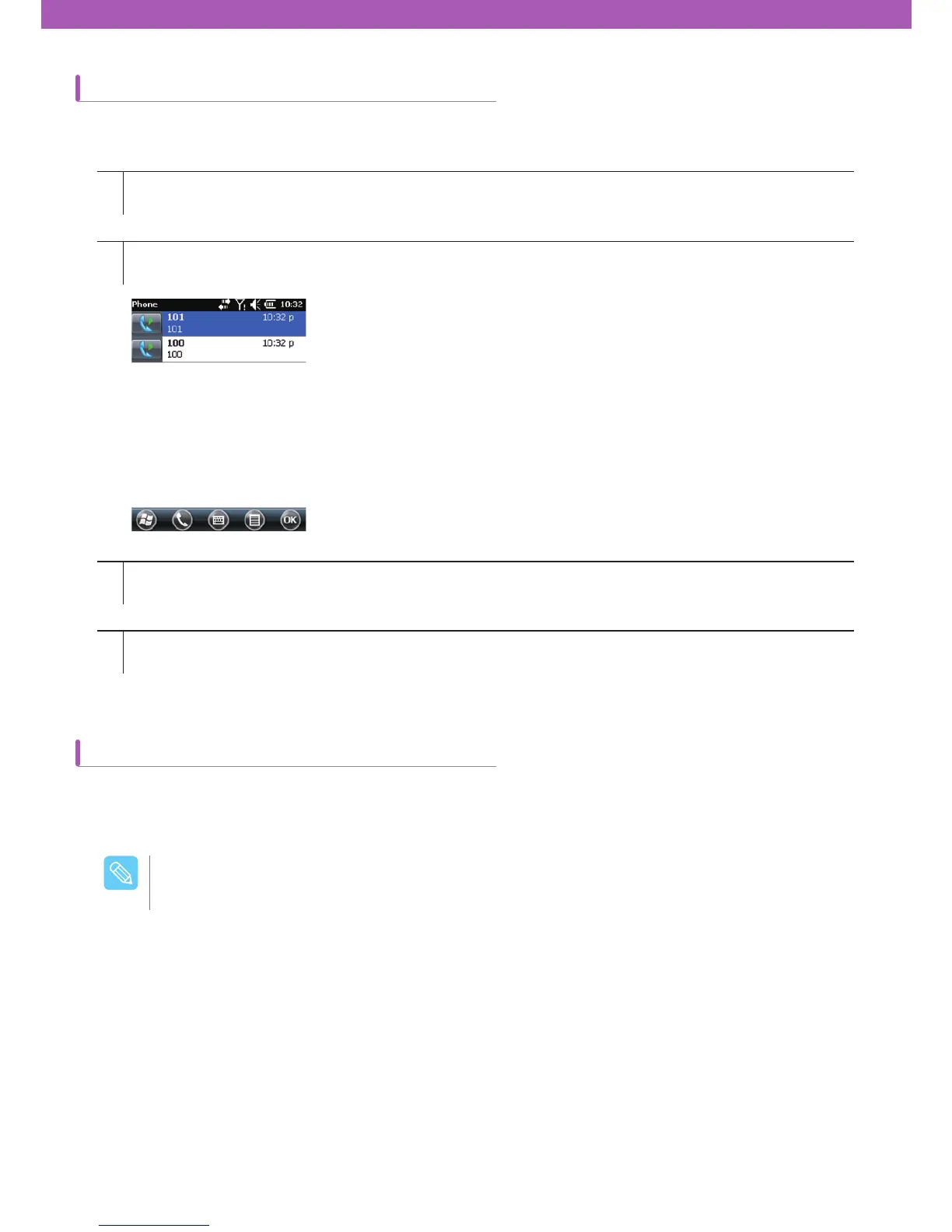
Using Call History
Making emergency calls
1
2
3
4
Tap Start > Phone or Tap the green Talk key on CW30 keypad.
Tap a Call History on the Phone keypad.
Start voice call by tapping the phone icon next to the number.
To make a call or terminate a call, tap End or tap the red End Call key on CW30 keypad.
How to make a call using Call History
You can use an emergency call even if the SIM card is not installed. For more details on the installation of the SI
M
card, refer to SIM Card Installation on page 3.
Emergency calls can be unavailable depending on network environments.
$BVUJPO



 To Next Page