56
Audio mode
Using wired headsets
Using Bluetooth headsets
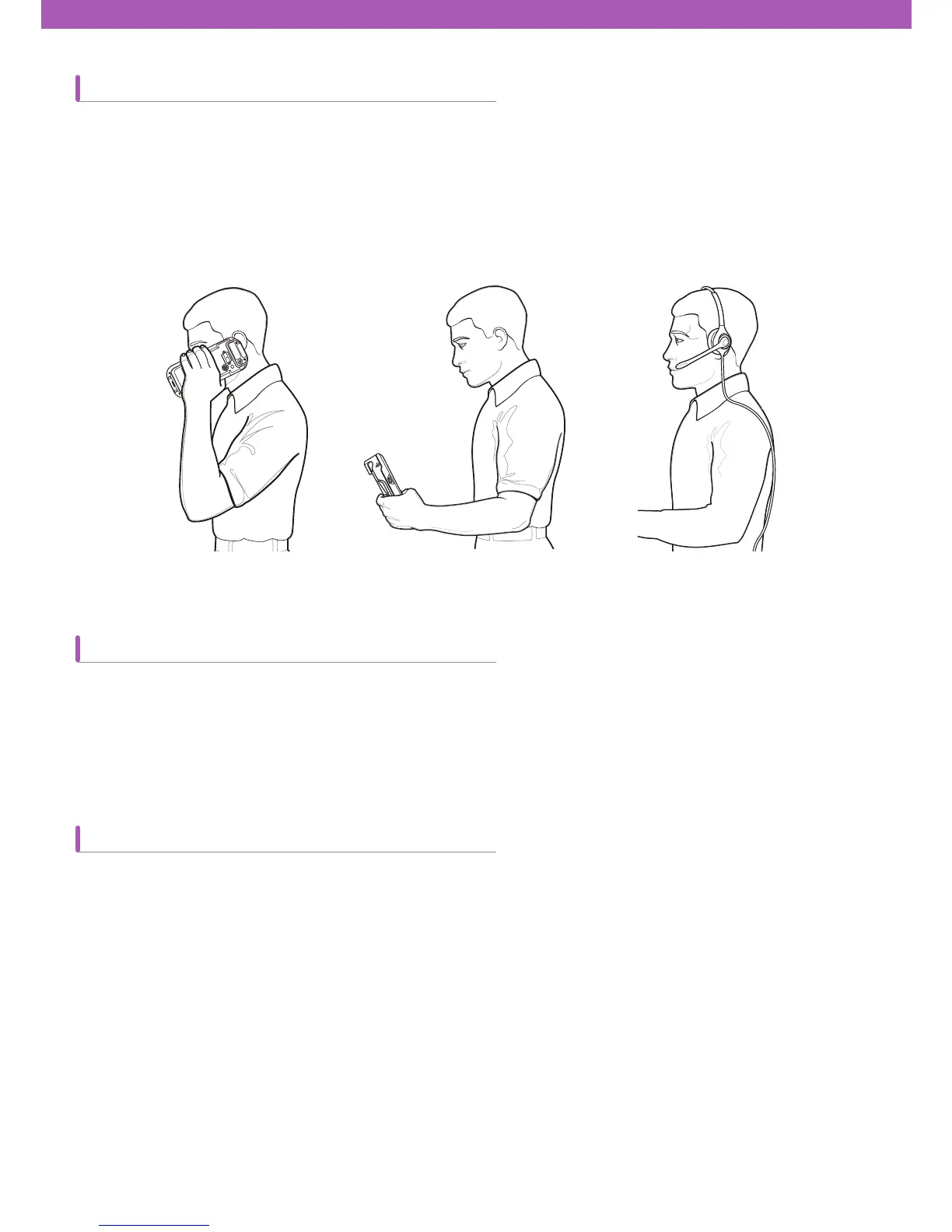
You can select one of three audio modes of CW30 when making a phone call.
Handset mode: You can use a speaker at the front side of CW30. This is the default mode.
Speaker mode: a user can use this mode like a speaker phone.
Headset mode: a user can connect a headset to CW30 or use a Bluetooth headset for making a call.
The default mode is handset mode. A user can listen to audio media via a headset or a Bluetooth headset by
connecting them to CW30.
Headsets can be used for audio applications. CW30 Connect a headset to the earphone jack located on the side of
CW30. Adjust volume appropriately before connecting the headset. When connected, sound doesn
’
t come out of the
speaker any more.
A Bluetooth headset can be used for audio applications for audio communication. Bluetooth Refer to chapter 6 – Using
Bluetooth
—
to ¿nd out how to connect headsets to CW3. Adjust volume appropriately before turning on the headset.
When connected, sound doesn
’
t come out of the speaker any longer.
When making a phone call, the use of Bluetooth hand-free pro¿le is recommended instead of using Headset pro¿le.
For more details, refer to chapter 6 – Using Bluetooth.
[Handset mode] [Speaker mode] [Headset mode]



 To Next Page