48
[Pictures & Videos] [Taking pictures] [Video recording]
4
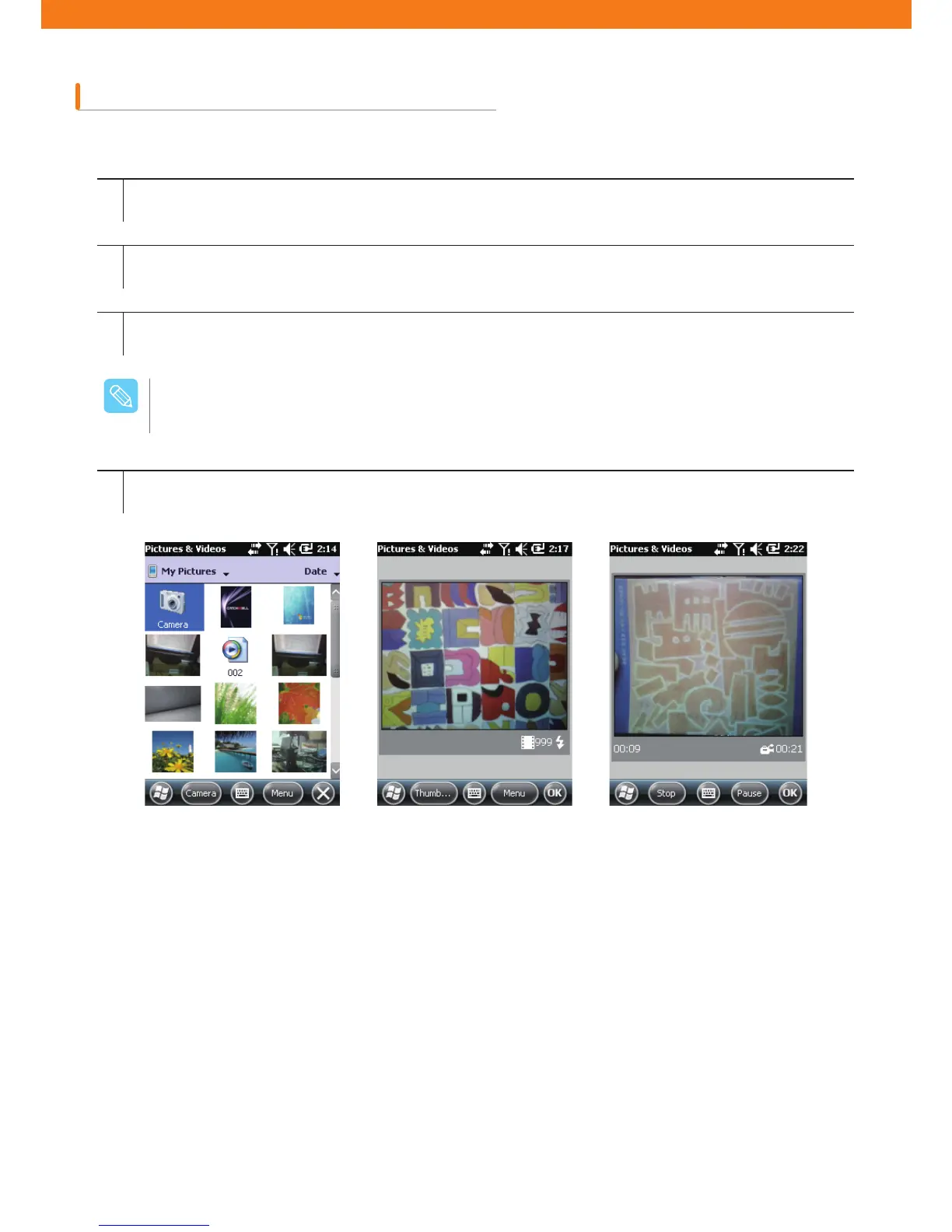
Start recording by tapping Enter key
Stop recording by tapping Enter key again
Video recording
How to create video clips
1
2
3
Tap Start > Pictures and Videos icon
Tap camera icon on the navigation bar
Choose Menu > Videos to set the shooting mode to video.
Available recording time will be displayed on the screen.
The default video recording time is limited to 30 seconds.
$BVUJPO



 To Next Page