62
To mute the microphone during a call
Creating a memo
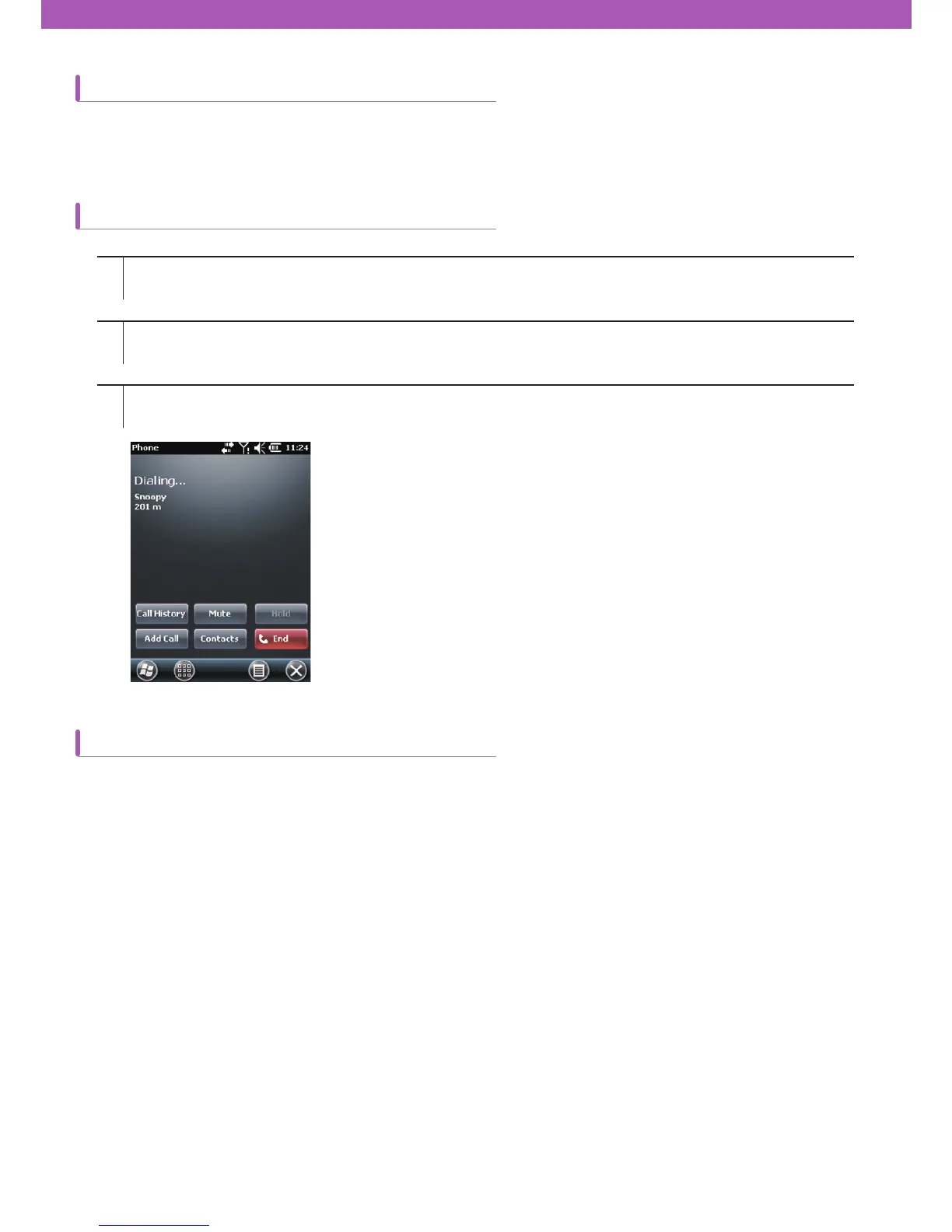
How to mute or unmute the microphone during a call
If you mute the microphone during a call, you can hear the voice of the other, but the other can
’
t hear your voice.
To create a memo during a call, tap Menu button on the screen, then select Create Memo.
1
2
3
Tap Start > Phone or tap the green Talk key on CW30 keypad.
Make a call.
Tap Mute on the screen to mute the audio. The mute icon will appear on the screen.



 To Next Page