39
Adjusting Volume
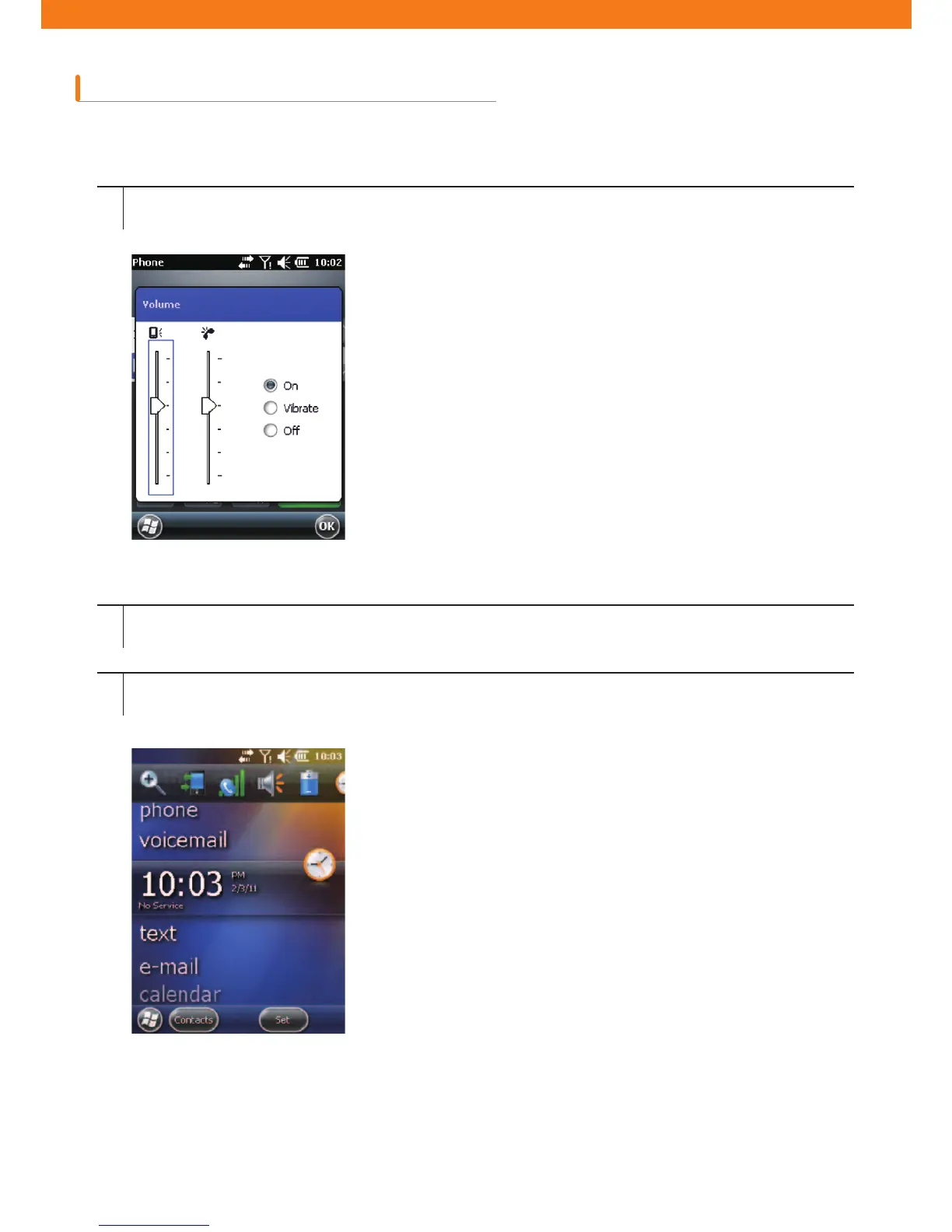
How to adjust volume using speaker icon on the Navigation Bar.
1
2
3
Tap the speaker icon to open the volume dialogue box.
Adjust volume moving the slide bar by dragging it.
Turn on or off the volume by selecting turn-off or turn-on radio button.
You can adjust system volume via Sounds and Alarms window or use the up-and-down button located on the
side of CW30.
[Figure 2-8. Volume dialogue box]



 To Next Page