38
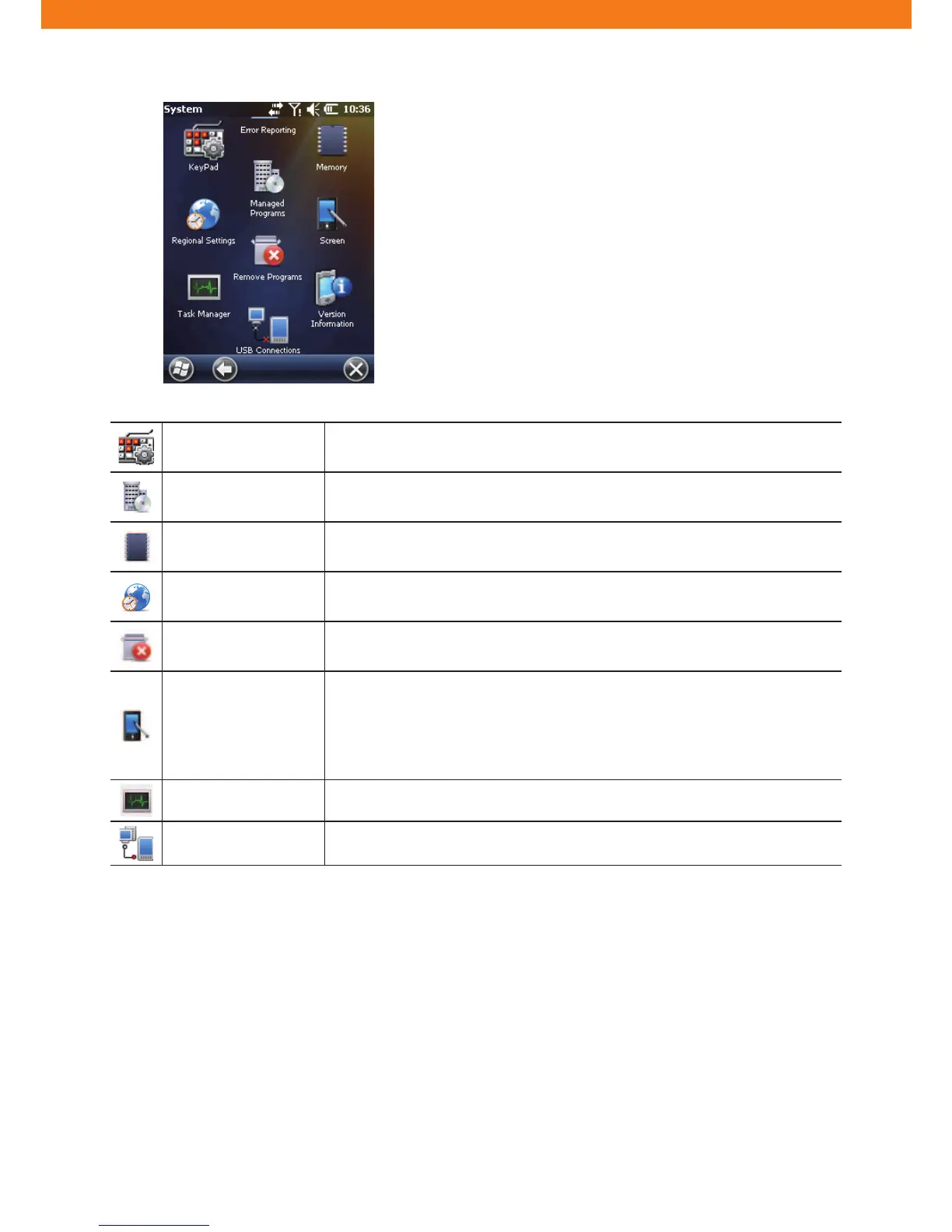
Keypad Con¿guring keypad shortcuts and key maps.
Managed Programs Displaying installed applications in CW30 using Mobile Device Manager.
Memory
Checking memory allocation status and memory card information; aborting
currently-running programs.
Regional Settings
Con¿guring CW30 locale settings according to each region including how to
display numbers, currencies, date/time, or time format.
Remove Programs Removing programs installed in CW30.
Screen
Changing display direction; compensating for the display after the change;
changing text size.
- Screen Orientation: Select Portrait Mode or Landscape Mode
- Calibration of Screen: Calibrate the screen for accurate touch operation.
- Font Size: Adjust the font size displayed on the screen.
Task Manager Stopping running programs.
USB Connections Con¿guring how to operate when establishing a USB connection.



 To Next Page