Page 33
Directory Codes
Directory Codes
Directory Code Display Option
Directory Code must exist in the unit’s database. Factory Setting: 0, 1, 2 or 3
1
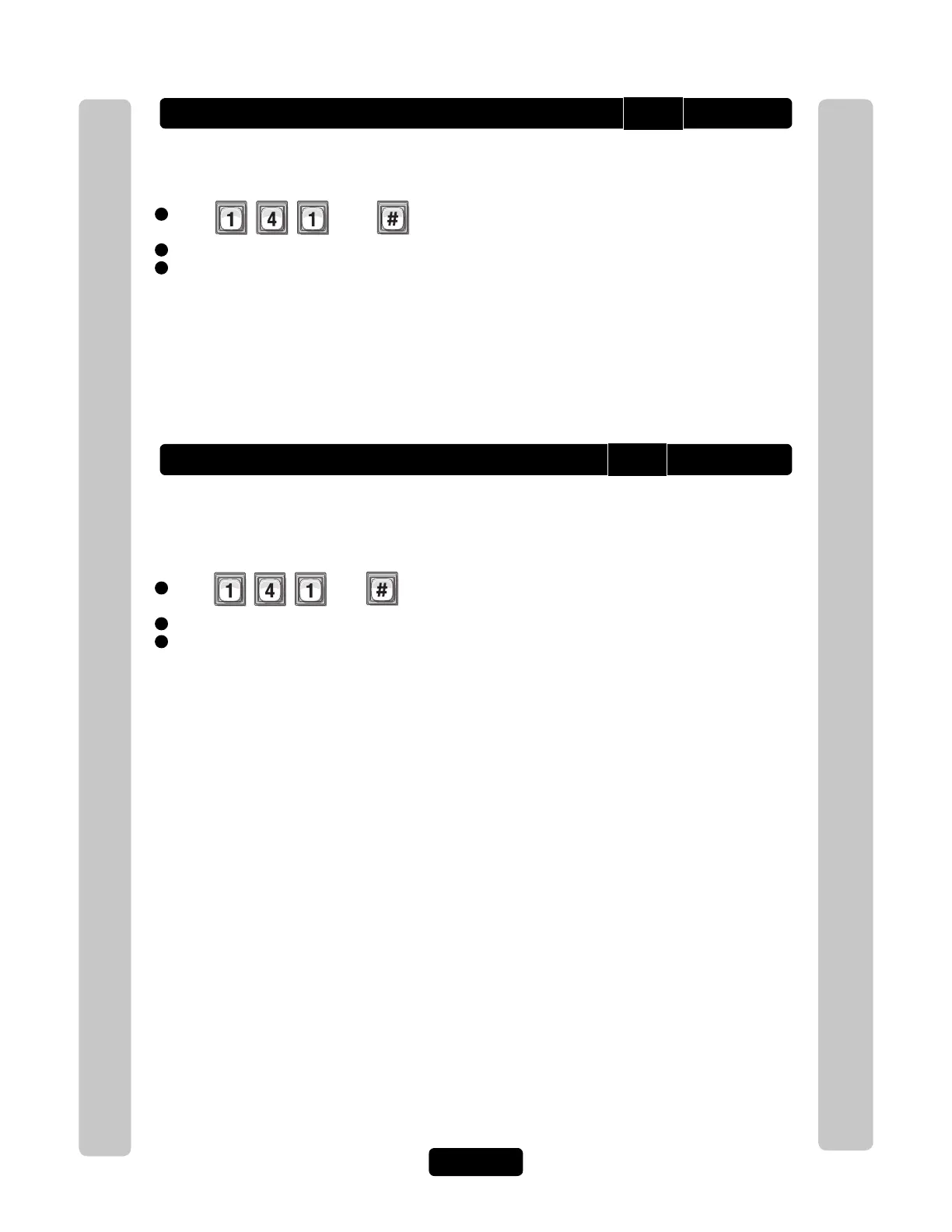
Press Then
2
Enter Directory Code. Then (#)
3
Enter Hidden Attribute Option (0-3). Then (#)
Option 0=Show All (always show name and directory code number).
Option 1=Show Name (only shows name on the tenant list in the display).
Option 2=Show Code (only shows the code on the tenant list in the display).
Option 3=Hide (does not show the name or the code in the tenant list-tenant is skipped in the display).
Resident Display Option
To modify how the resident is displayed use Step 141, however skip entering the
directory code. Also, note that only options 1 and 3 are allowed, because the resident
does not have a directory code. Factory Setting: 1
1
Press Then
2
Press (#)
3
Enter Hidden Attribute Option (1 or 3). Then (#)
Option 1=Show Name (only shows name on the tenant list in the display).
Option 3=Hide (does not show the name or the code in the tenant list-tenant is skipped in the display).
141
141



 To Next Page