Page 4
Quick Reference Guide
Quick Reference Guide
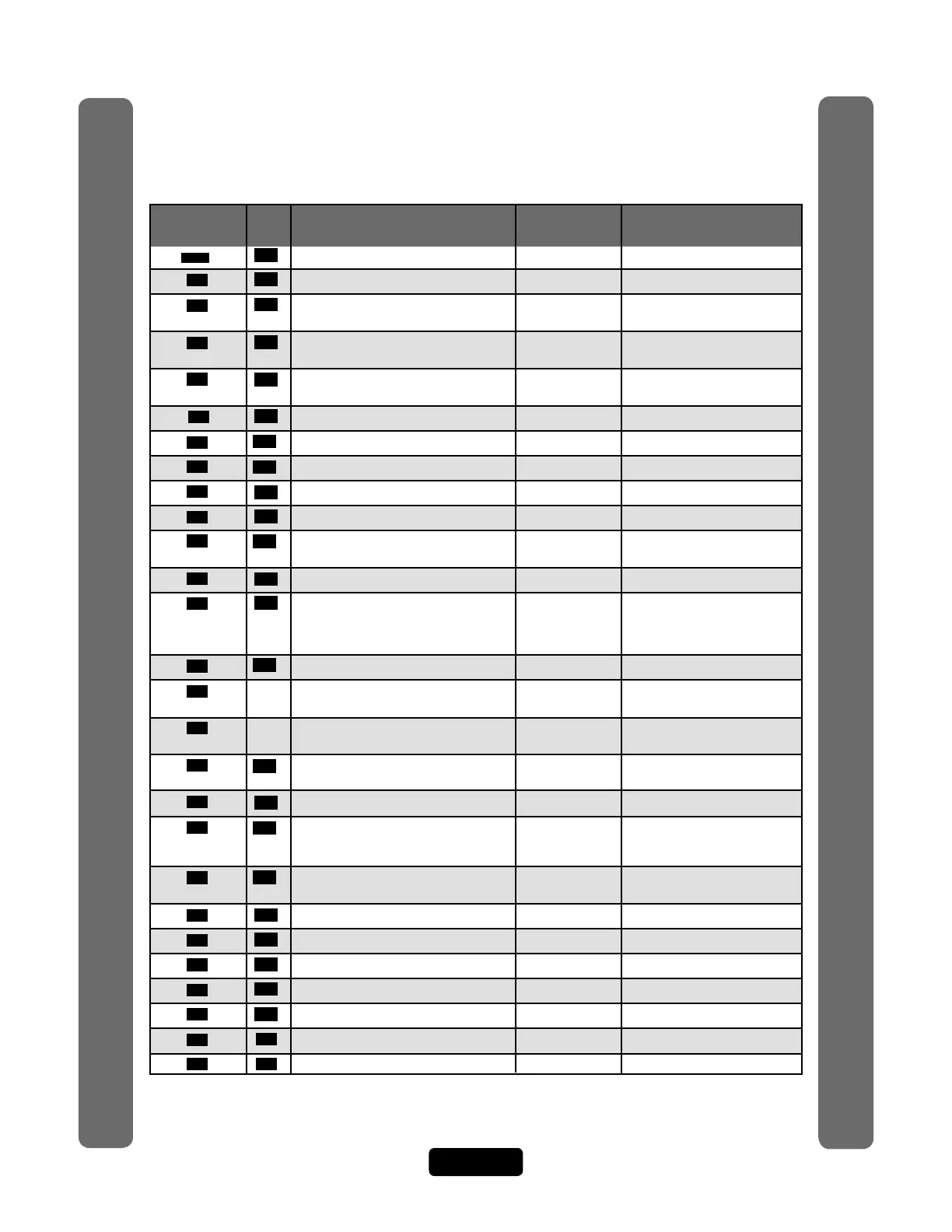
Quick Reference
Guide for Keypad Programming the Units
Programming
Number
Page Description of Task
Factory
Setting
Programming
Procedure
Important: The Pound Key (#) must be used as Data Field Separator and to Save Data at the end of the
sequence. Time must be entered using a 24-hour format (8AM=0800, 3PM=1500 etc.). If you make an
error during an entry, press the asterisk key (*) to begin again.
Optional Steps Indicated in BOLD type, all other steps are Required
***
15 Entering Programming Mode *** (6 Digit Password)
0 15 Exiting Programming Mode 0 #
1 56 Change or Verify the Unit’s Password 000000 1 # (1 to change; 2 to verify) #
(six-digit coded) #
2 20 Set Unit ID Number and No. in Chain Unit ID 1, 2 # (unit ID number, 1-7) #
Chain No. 1 (Number of Units in Chain, 1-7) #
3 52 Set the Clock 3 # yymmdd # (day of the week)
# hhmm #
4 52 Enable/Disable Daylight Savings Time Enabled 4 # (0=disable; 1=enable) #
5 61 Set Visitor Talk Time 60 Seconds 5 # (15-250 seconds) #
6 29 Set Directory Code Length 3 Digits 6 # (1-4 ) #
7 35 Set Entry Code Length 4 Digits 7 # (3-9) #
9 59 Enable/Disable Call Waiting Enabled 9 # (0=disable; 1=enable) #
10 31 Enable/Disable Do Not Disturb Schedule Disabled 10 # (directory code) #
(0=disable; 1=enable) #
11 51 Enable/Disable Unlock Time Zone Enabled 11 # (0=disable; 1=enable) #
12 53 Enable/Disable Anti-Passback Disabled 12 # Enable/Disable True Anti-
Passback (0=disable; 1=enable) #
Enable/Disable Timed Anti-
Passback (0=disable; 1=enable) #
13 53 Set Anti-Passback Time 3 Minutes 13 # (1-60 minutes) #
14 Set Maximum Number of Rings 5 Rings 14 # (1-9) #
Allowed Before Aborting Attempt
15
Set Standard Single Ring or Double 1=Double Ring 15 # (0-1; 0=one long ring,
Ring Response 1=double ring) #
16 58 Number of Rings Before Unit Answers 5 Rings 16 # (0-15) # Each unit in chain
must have same setting
17 55 Set "Strikes" and "Out" 3 Errors 17 # (max errors, 0-5) #
18 59 Set Call Volume 5, 2, 2 18 # (0=mute; 1-10, 1 is low and
Set Voice Response Volume 10 is high) # (0=mute; 1=low;
Set Beep Response Volume 2=medium; 3=high) # (0-3) #
19 59 Set Microphone Volume 5 19 # (0=mute, 1-10, 1 is low and
10 is high) #
20 58 Enable/Disable the Telco Mode Enabled 20 # (0=disable; 1=enable) #
21 67 Enable/Disable Direct Commands Enabled 21 # (0=disable, 1=enable) #
22 60 Enable/Disable Voice Mail Disabled 22 # (0=disable, 1=enable) #
23 60 Enable/Disable Access Granted Beeps Enabled 23 # (0=disable, 1=enable) #
24 70 Enable/Disable Real-Time Monitoring Disabled 24 # (0=disable, 1=enable) #
25 61 Return to Menu Programming 25 #
26 61 Enable/Disable All Door Access Granted Disabled 26 # (0=disable, 1=enable) #



 To Next Page