Page 38
Entry Codes
Entry Codes
Activate or Deactivate an Entry Code
This allows you to activate or deactivate an Entry Code, also on a specific date and time.
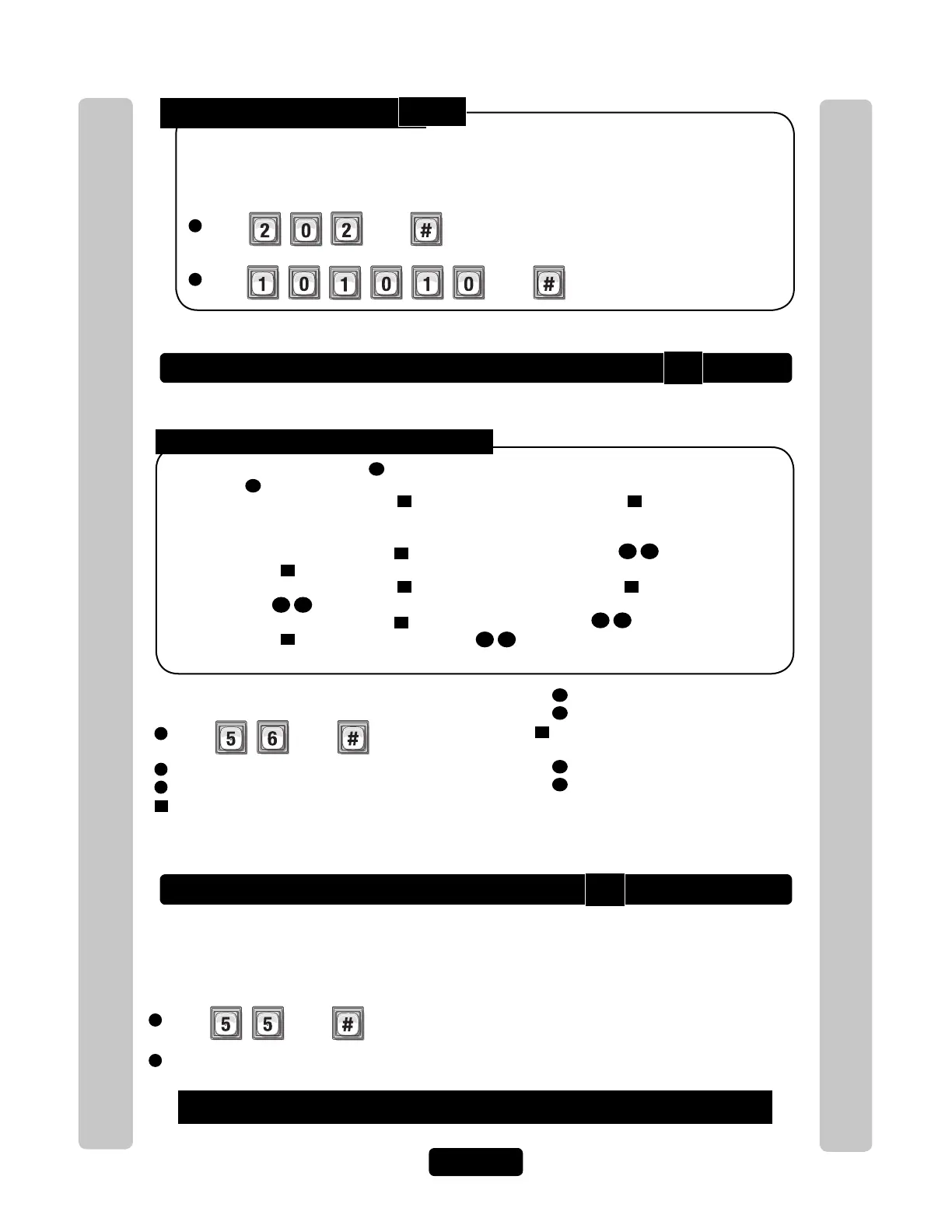
Delete ALL Entry Codes:
1
Press Then
2
Enter Then
This will delete ALL Entry Codes from unit.
I mportant: Once you delete the Entry Codes, you cannot retrieve them unless they are saved
in Versa XS.
Verify an Entry Code
Activate / Deactivate an Entry Code:
1
Press Then
2
Enter Entry Code (3-9 digits). Then (#)
3
Activate Entry Code, (Enable-1 or Disable-0). Then (#)
4
Use Start Activation Date, (Enable-1 or Disable-0).
Then (#)
To Activate or Deactivate an Entry Code:
4A
Start Date (yymmdd). Then (#)
4B
Start Time (hhmm). Then (#)
5
Use End Deactivation Date, (Enable-1
or Disable-0). Then (#)
5A
End Date (yymmdd). Then (#)
5A
End Time (hhmm). Then (#)
NOTE: All time must be entered using a
24-hour format (8AM=0800, 3PM=1500 etc.)
Verify that an Entry Code exists in the unit’s database.
1
Press Then
2
Enter Entry Code (3-9 digits). Then (#)
If you make an error during an entry, press the asterisk key (*) to begin again.
Audio Feedback "Invalid Step": Indicates the code Does Not exist in the database.
Audio Feedback "Valid Step": Indicates the code Exists in the database.
Disabling the Activate Entry Code
3
, the Entry Code will always be deactivated. If you enable the Activate
Entry Code
3
, then the four If statements could apply:
1. If you disable the Start Activation Date
4
and disable the End Deactivation Date
5
and omit all dates and
times, the Entry Code will immediately become active and stay that way until the code is deactivated or
deleted.
2. If you enable the Start Activation Date
4
and add only a "Start Date and Time"
4B4A
and disable the End
Deactivation Date
5
, the Entry Code will activate on that "Start Date and Time".
3. If you disable the Start Activation Date
4
and enable the End Deactivation Date
5
and add only an "End
Date and Time"
5B5A
, the Entry Code will deactivate on that "End Date and Time".
4. If you enable the Start Activation Date
4
and add a "Start Date and Time"
4B4A
enable the End
Deactivation Date
5
and add an "End Date and Time"
5B5A
, the Entry Code will activate on that "Start Date
and Time" and deactivate on the "End Date and Time".
202
56
55



 To Next Page