Page 50
Example:
24-Hour Time Mon Tues Wed Thur Fri24-Hour Time
4321 5 6
Time Zones, Holidays and Clock
Time Zones, Holidays and Clock
Creating Time Zones
Press Then
Enter Time Zone Number (2 to 63). Then (#)
0=Full Restrictions 1=Full Access
Enter Segment Number (1-3; or 99). Then (#)
NOTE: All time must be entered
using a 24-hour format
(8AM=0800, 3PM=1500 etc.)
Factory Setting: None Created
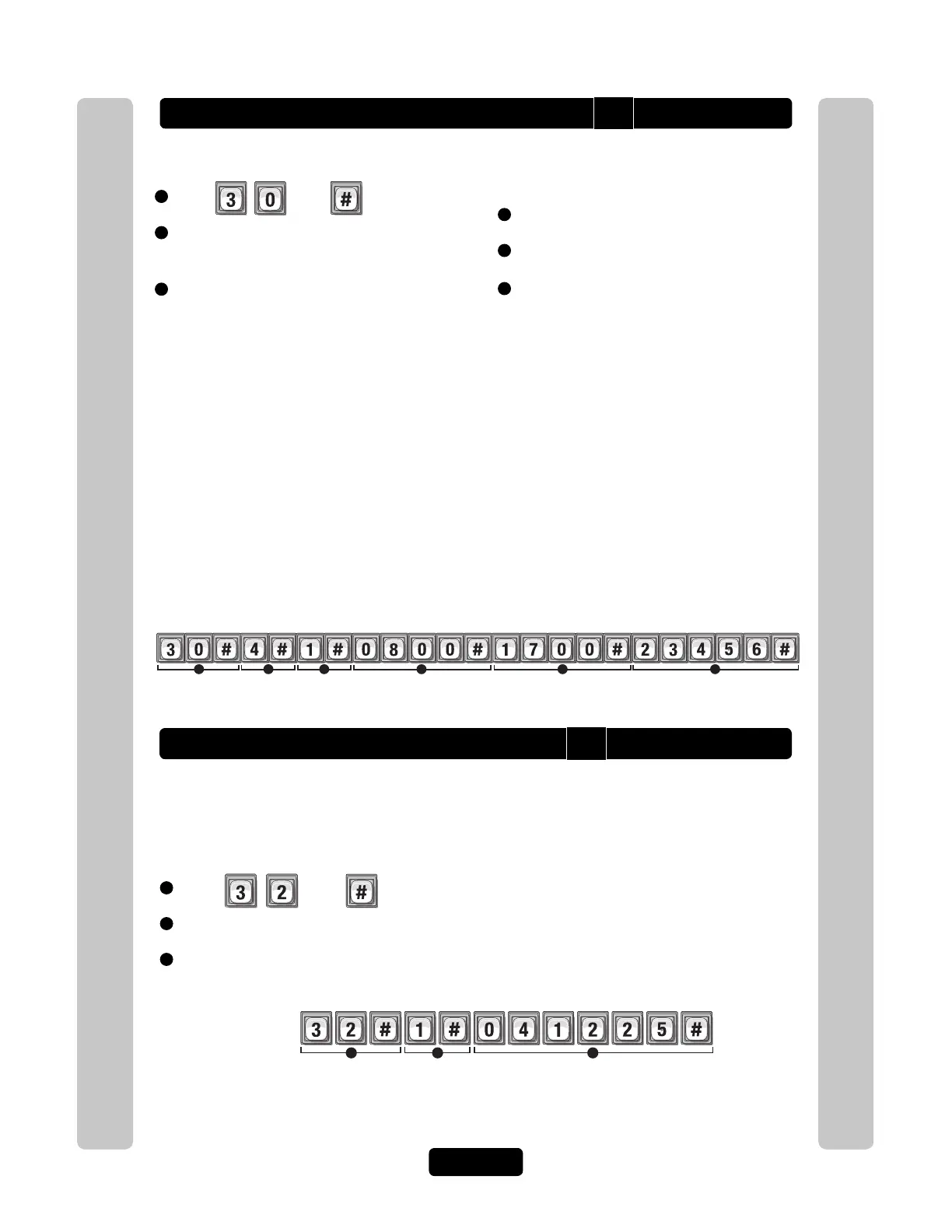
Adds time zone number "4" with segment "1". The segment time period is from 8AM to 5PM (Monday
through Friday, excluding Saturday, Sunday and holidays).
Setting Holidays
Program the unit with up to 16 holiday dates that replace existing time zone (e.g., auto-lock/unlock
and card/code entry schedules) during the defined date. For example, if New Year’s Day is set up
as a holiday, you may set up the system so that employees who ordinarily have access with entry
cards and codes will not be granted entry on January 1st. Factory Setting: None Created
1
Press Then
2
Add (1), Verify (2) or Delete (0). Then (#)
3
Enter Holiday Date (yymmdd; or 99). Then (#)
Example:
Year Month Day
3
21
Adds the Christmas holiday for 2004 to the unit’s database.
• To delete ALL of the holidays, enter a holiday date of "99" with the delete option "0".
Start Time (hhmm; or 99). Then (#)
End Time (hhmm). Then (#)
Day(s) of Week. Then (#)
• To add one or more days to the time zone/segment, press the digit that corresponds to the day.
1=Sunday, 2=Monday, 3=Tuesday, 4=Wednesday, 5=Thursday, 6=Friday, 7=Saturday,
8=Holiday
(Add the holiday option if you want residents to have access to your building or complex to
include holidays in the time zone)
• When creating time zones, you may "include" or "exclude" residents during Holidays.
If you add the holiday option to the time zone by pressing "8", the time zone will continue to grant
access during the defined time period(s) - the system does not recognize the day as a holiday for
that particular time zone. For example, you "include" the residents of your building during a
holiday, but you "exclude" the cleaning crew.
• If you omit the holiday option from the time zone, the time zone will not grant access during the
defined time period(s) - the system recognizes the day as a holiday for that particular time zone.
For example, you "exclude" your employees from accessing the complex on Labor Day.
• To add more segments, edit the time zone and assign a different segment number.
• To delete a time zone, enter a value of "99" as the segment number.
• To delete a segment, enter a value of "99" as the start time.
1
6
5
3
4
2
30
32



 To Next Page