16
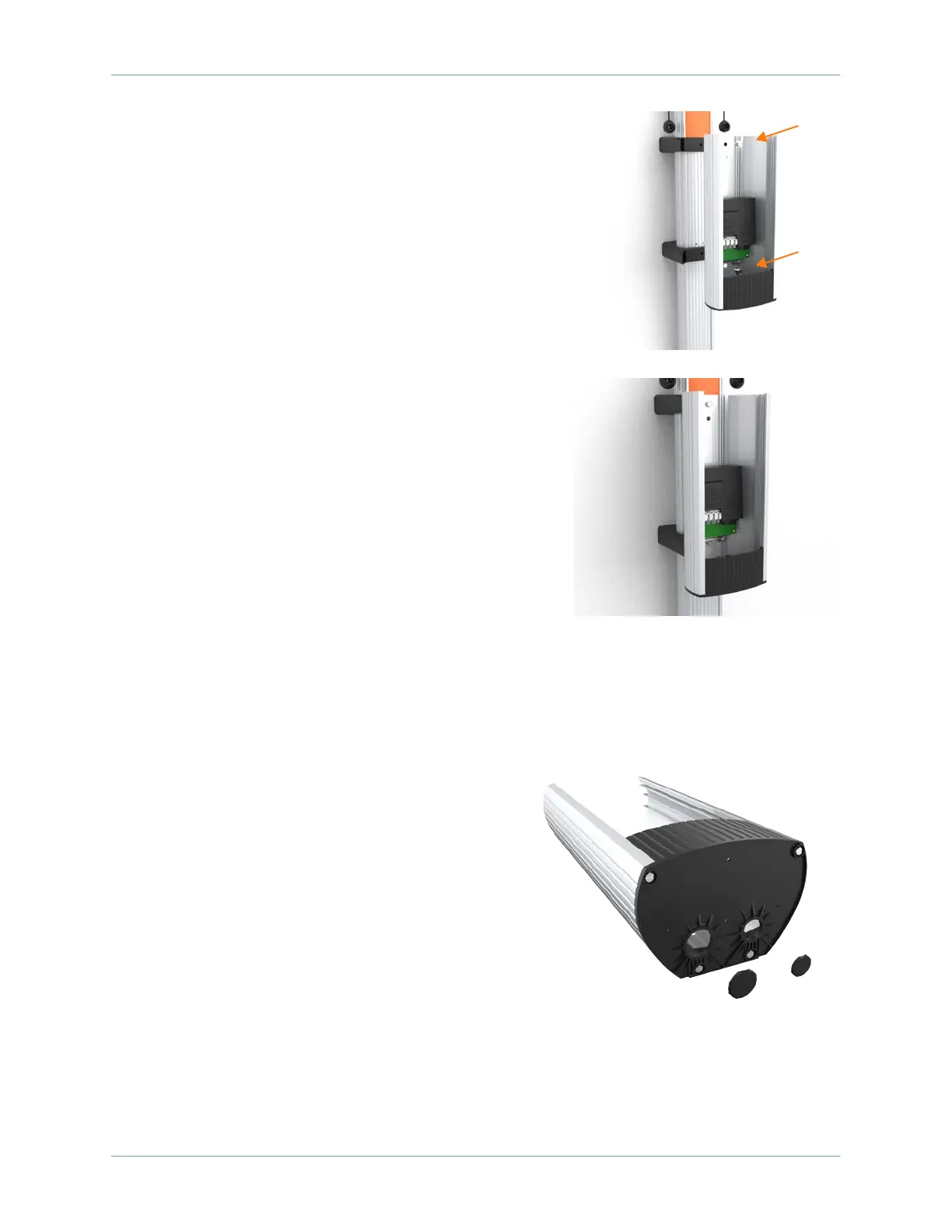
2. Remove the pre-installed flange bolts from the front
brackets using a 10 mm (3/8 in) socket.
3. Position the housing so that the top hole aligns with the
top CMK bracket.
4. Re-insert a flange bolt into the top hole and finger
tighten.
5. Re-insert the other flange bolt into the lower mounting
hole.
6. Tighten both flange bolts to 117 Nm (86 ft-lbs).
Install the Conduit
1. Use a flathead screwdriver to remove the
knockout for the appropriate conduit size, 25 mm
or 20 mm (1 in or 3/4 in).









 To Next Page