Access Points
Quantum Spark 1500, 1600, and 1800 Appliances R81.10.X Locally Managed Administration Guide|310
Action Description
Generate the Dr.
Spark Report
Saves a report that shows if the appliance passed or failed various tests.
If the appliance fails a test, the report provides more details to describe why it
failed.
Note - In the R81.10.X releases, this feature is available starting from the
R81.10.05 version.
Procedure
1. Click Generate the Dr. Spark Report.
A message next to the button shows the progress.
Do not move to another WebUI page.
2. When the task completes, the button changes to Download Dr. Spark
Report.
3. Click Download Dr. Spark to download the report file.
Your web browser saves this file (DrSpark_<YYYY-MM-DD_HH-MM-
SS>.zip) in the default download folder.
4. When the download completes, the button changes to Generate the Dr.
Spark Report.
5. Extract the content of this ZIP archive.
6. Open the file index.html in a web browser.
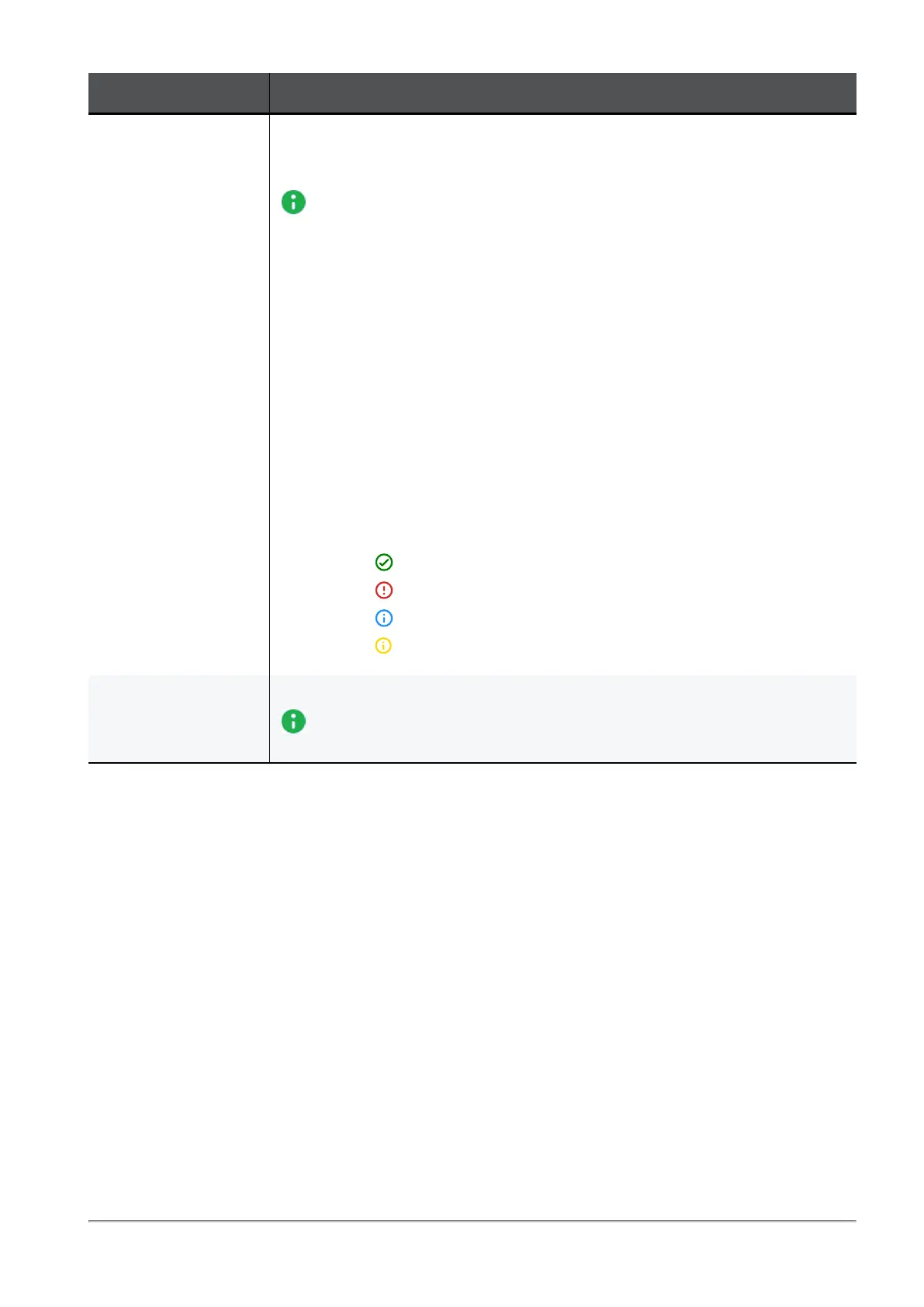
Legend:
n
- The appliance passed this test.
n
- The appliance failed this test.
n
- General information for the administrator.
n
- This test was not applicable to this appliance.
Download Last
Report
Prints the last report generated.
Note - In the R81.10.X releases, this feature is available starting from the
R81.10.08 version.









 To Next Page