Restoring Factory Defaults
Quantum Spark 1500, 1600, and 1800 Appliances R81.10.X Locally Managed Administration Guide|324
To restore the Quantum Spark Appliance to its default factory configuration using U-boot (boot loader):
1. Connect to the appliance with a console connection (use the serial console connection on the back
panel of the appliance).
2. Boot the appliance and press CTRL+C.
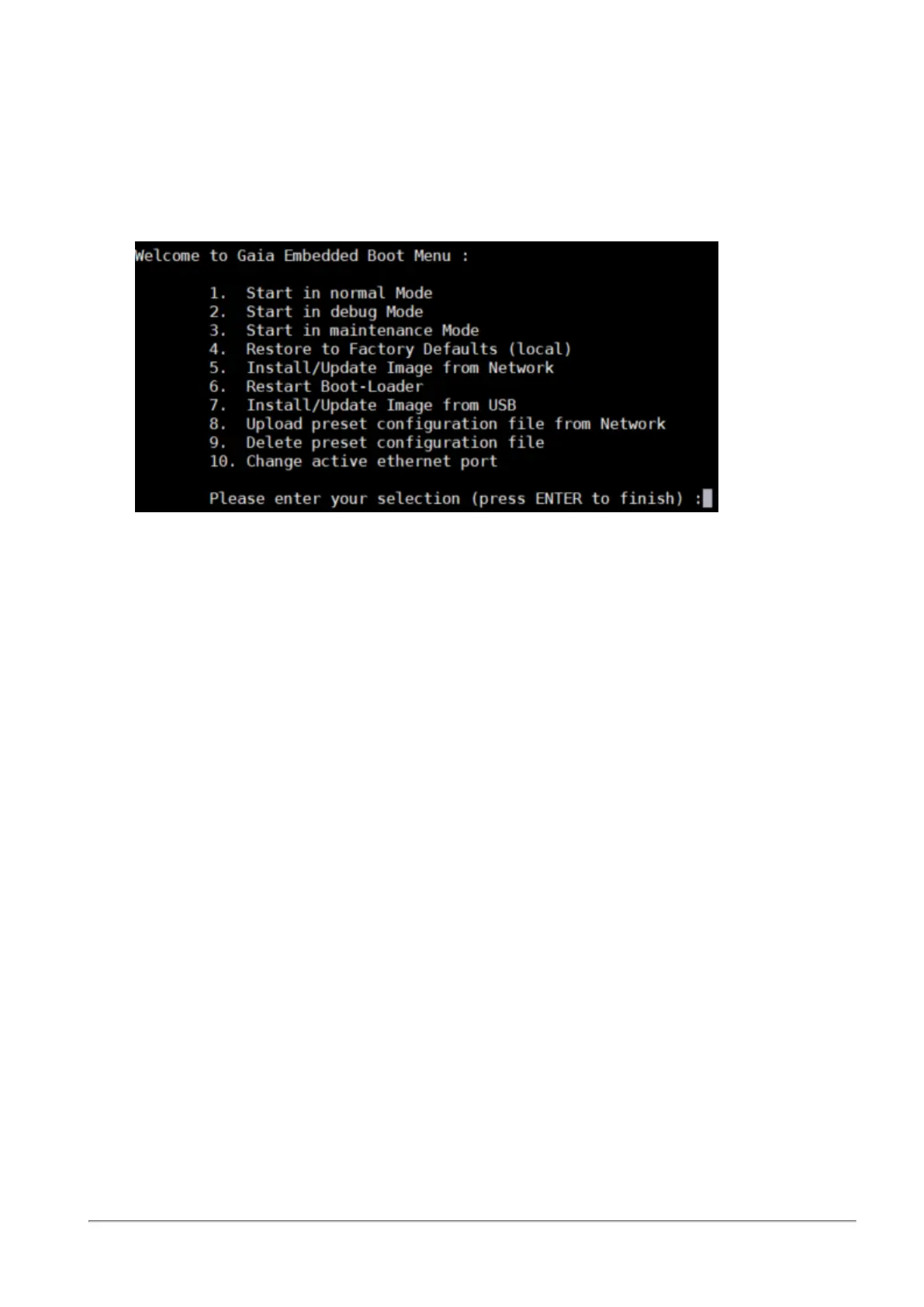
The Gaia Embedded Boot Menu appears.
3. Enter 4 to select Restore to Factory Defaults (local).
4. When the prompt appears "Are you sure? (y/n)", enter y to continue and restore the appliance to its
factory defaults settings.
While factory defaults are restored, the Power LED blinks blue to show progress. This takes up to a
few minutes. When completed, the appliance boots automatically.
To disable the reset to default:
Use this CLI command:
set additional-hw-settings reset-timeout 0









 To Next Page