ECO 2 Ultrasound Diagnostic System
Page 92 / 189
Chapter 7 Preset
This chapter introduces the operation to make settings of the system through preset menu at
preset mode.
Preset function is used to set up working environment and status, parameters of each examination
mode. The setting will be stored in the memory of system and not be lost even after the system is
switched off. When the system is switched on, it will work automatically with the status which is
required by the operator.
In preset interface, all operation relies on moving trackball to required Function button position.
Press [ENTER] to start operation.
7.1 General setting
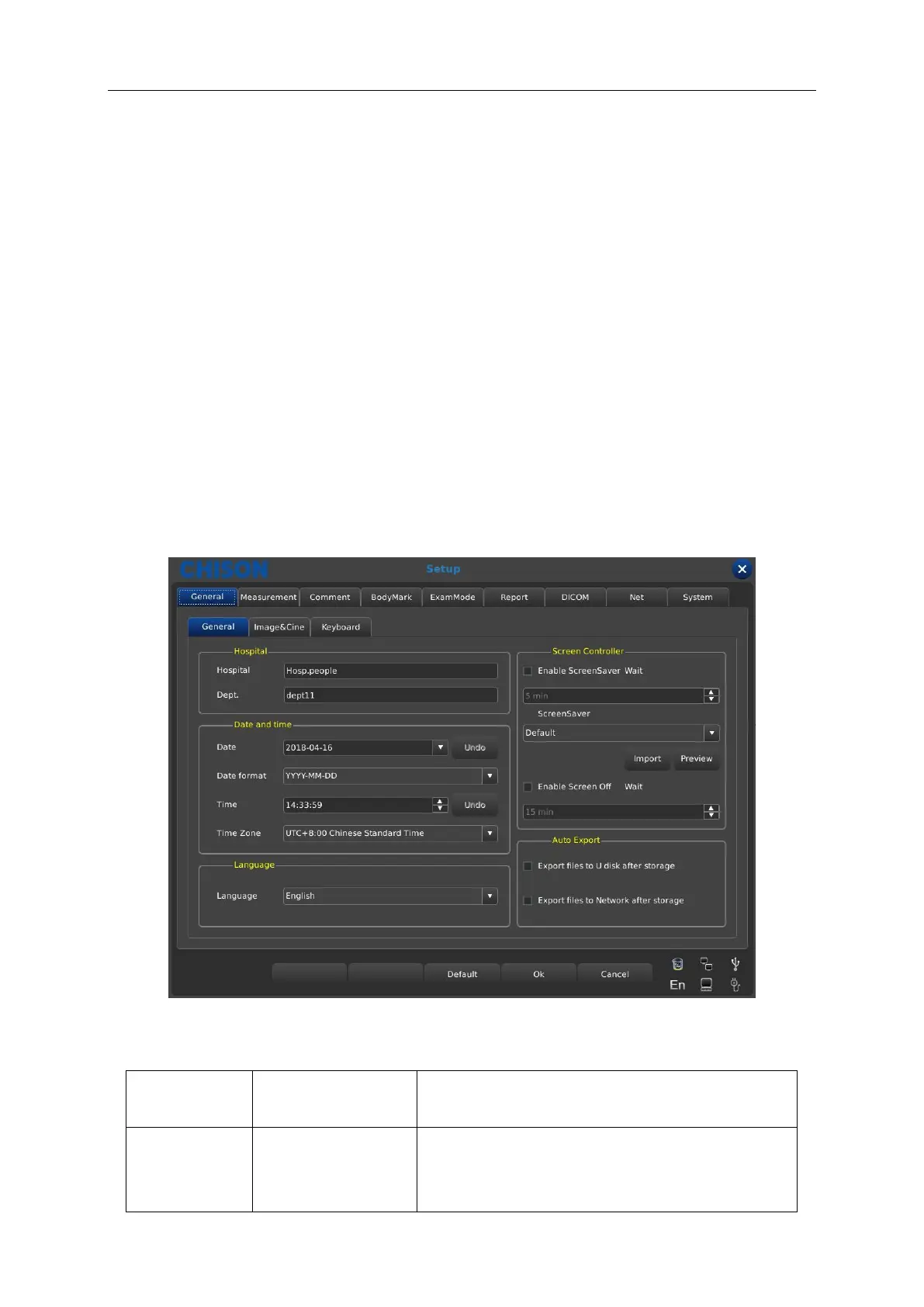
7.1.1 General Interface
Press the [SETUP] to enter system setting interface. User can do user-defined setting.
Click [X] in the title bar or the exit key on the button can exit the system setting interface.
Set up the hospital name which is shown at top left
corner of “General Setting” dialog box, 20
characters Max can be input.



 To Next Page